Instagram Reels Editing Tips for Beginners M4 4
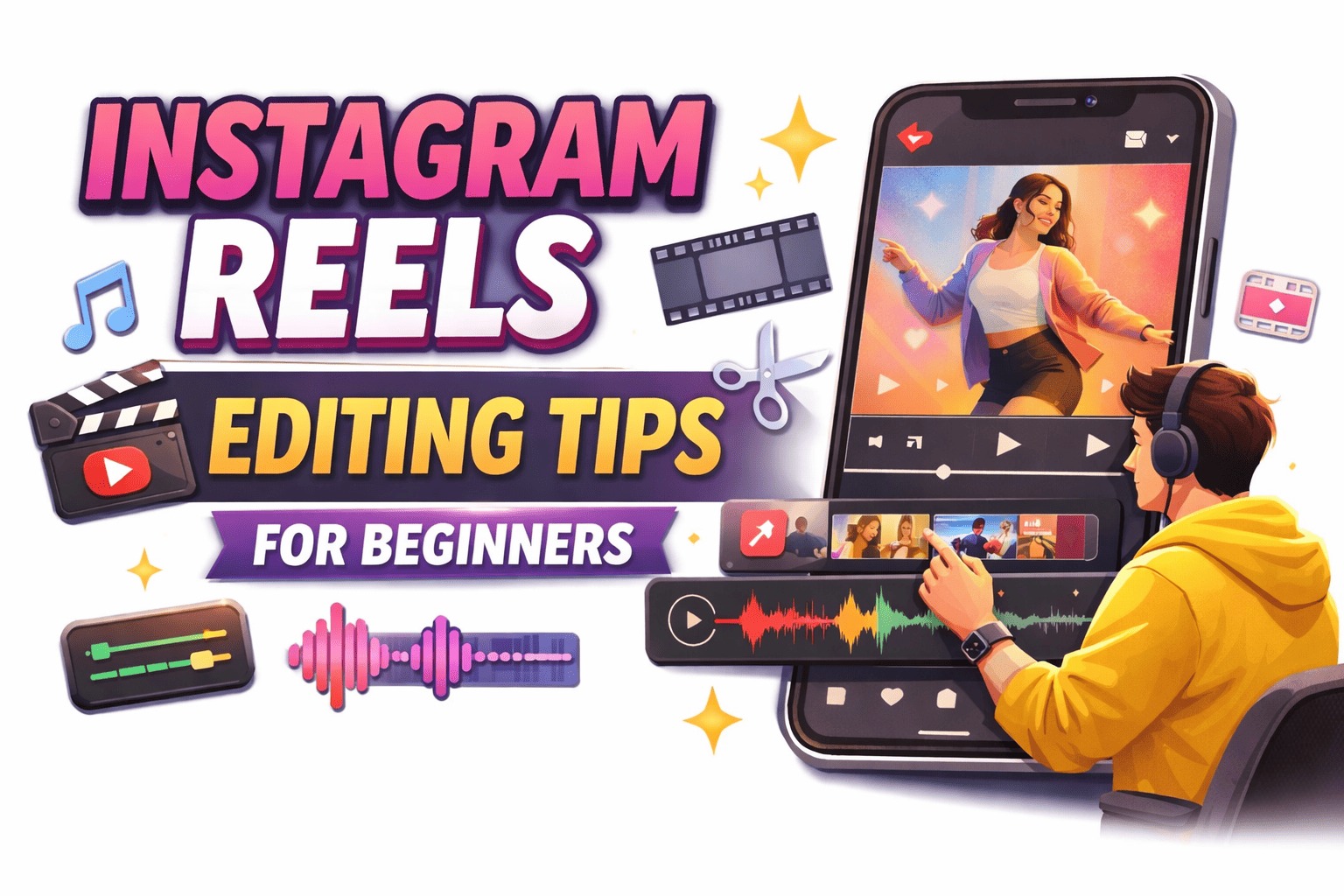
Instagram Reels Editing Tips for Beginners: Instagram Reels has become one of the fastest-growing content formats on social media. Millions of users create Reels every day to share their creativity, grow their audience, and even earn money online. However, many beginners struggle with editing their videos properly.
Good editing can make a simple video look professional and engaging. If you are new to creating Reels, learning some basic editing tips can help you improve the quality of your videos and attract more viewers.
Plan Your Video Before Recording
Before you start editing your Reel, it is important to plan your video. Many beginners record videos without thinking about the structure, and later they find it difficult to edit them properly. Planning helps you create smoother and more organized content.
First, decide what your video will be about. Think about the scenes you want to include, the message you want to deliver, and the type of music or trend you want to follow. If you have a clear idea in your mind, the editing process will become much easier.
Also, try to keep your content short, engaging, and interesting because Reels are designed to capture attention quickly.
Choose the Right Editing App
Choosing the right video editing app is very important for beginners. There are many mobile apps available that allow you to edit videos easily and create professional-looking Reels.
Some popular editing apps include VN Editor, CapCut, InShot, and Instagram’s built-in editing tools. These apps offer features like trimming, transitions, filters, text, stickers, and visual effects. Beginners should start with basic tools and slowly explore advanced features as they gain more experience.
Trim Unnecessary Parts of the Video
One of the most basic steps in video editing is trimming. Trimming means removing unnecessary parts from the beginning or end of your video. Often, when you record a video, there are a few seconds at the start or end that are not needed.
By trimming these extra parts, your video becomes more focused and professional. Viewers usually prefer fast and engaging content, so removing boring or unnecessary moments helps keep their attention until the end of the Reel.
Use Beat Sync Editing
Beat Sync editing is a popular editing technique used in many viral Reels. In this method, video cuts and transitions match the beats of the background music. When your video changes scenes exactly when the music beat drops, it creates a very satisfying and professional effect.
Many editing apps like VN Editor and CapCut provide automatic beat sync features that help beginners create this effect easily. Using beat sync can make your Reels look more dynamic and attractive to viewers.
Add Smooth Transitions
Transitions help connect different clips smoothly. Instead of suddenly jumping from one clip to another, transitions create a smooth flow between scenes.
Some popular transitions include:
- Fade
- Slide
- Zoom
- Spin
However, beginners should avoid using too many transitions in one video. Simple and clean transitions usually look more professional and keep the video easy to watch.
Add Text and Captions
Adding text and captions to your Reels can make your videos more informative and engaging. Many users watch Reels without sound, so captions help them understand the content.
You can use text to highlight important points, explain steps, add jokes, or display quotes. Make sure the text is clear and easy to read. Avoid using too many fonts or colors because it can make the video look messy.
Use Filters and Adjust Colors
Filters and color adjustments can improve the visual quality of your video. Most editing apps provide different filters that can change the mood and style of your Reel.
For example, some filters make videos look brighter, warmer, or more cinematic. However, beginners should use filters carefully. Too many filters can make the video look unnatural. It is better to keep the colors balanced and natural so the video looks clean and professional.
Choose the Right Background Music
Music plays a very important role in Instagram Reels. The right background music can make your video more entertaining and emotional. Using trending audio can also increase the chances of your Reel reaching more people.
When selecting music, make sure it matches your content. For example, funny videos work well with humorous sounds, while motivational content may need energetic music. Good music combined with proper editing can make your Reel much more engaging.
Maintain High Video Quality
Another common mistake beginners make is uploading low-quality videos. Poor video quality can make your content look unprofessional and reduce viewer interest.
Always try to record your videos in high resolution and make sure the lighting is good. Instagram Reels work best in vertical format (9:16), which fills the entire mobile screen. This format gives viewers a better viewing experience.
Practice and Stay Consistent
Learning video editing takes time and practice. The more Reels you create, the better your editing skills will become. Do not worry if your first few videos are not perfect.
Start with simple edits and gradually experiment with new effects, transitions, and creative ideas. Consistency is the key to success on social media. If you post regularly and keep improving your editing style, you will slowly grow your audience.
Conclusion
Editing Instagram Reels may seem difficult at first, but with the right techniques and regular practice, anyone can learn it. By planning your videos, choosing the right editing tools, trimming unnecessary parts, using beat sync, adding transitions and captions, and selecting good music, you can create more engaging and professional Reels.
Full Project 👇 🎁
Preset 👉 DWONLOAD
Xml File 👉 DWONLOAD
Alight Motion 👉 DWONLOAD
Song 👉 DWONLOAD
Scan App Name Google Lens 👇