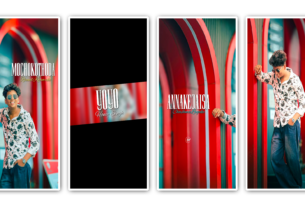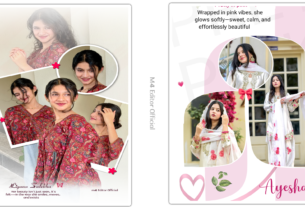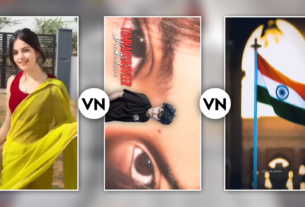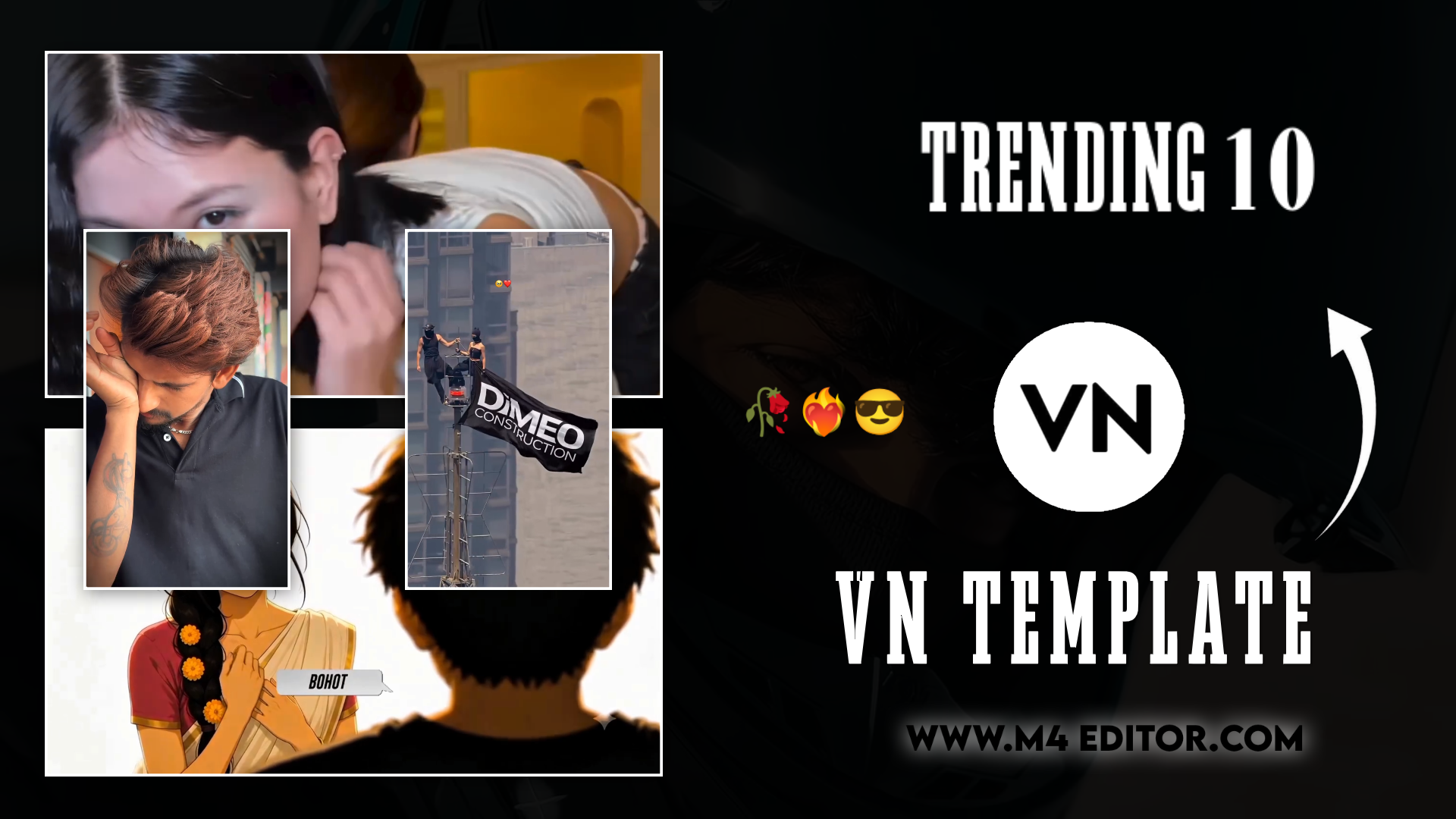
5 Vn Template 👇
Namaskar dosto! Main ek professional video editor hoon, aur pichle 7 saalon se video editing industry mein actively kaam kar raha hoon. In saalon mein maine editing ki har choti-badi baariqi ko kareeb se samjha hai. Aapka pyaar hi hai ki mere YouTube channel “m4editorofficial” par aaj 13.6K subscribers aur Instagram page “m4_editor_official” par 145K followers ki ek shandar community jud chuki hai. Mera main motive is website ke zariye apna real editing knowledge, trending techniques aur practical tips bilkul free mein share karna hai. Main chahta hoon ki har beginner yahan se genuine editing skills seekhe aur apni content creation journey mein aage badhe.
VN Editor Trending 5 Template: Viral Reels Banane Ka Ultimate Guide M4 71
Aaj ke is fast-paced digital zamane mein Instagram Reels aur YouTube Shorts ka craze aasman chhu raha hai. Har naya creator chahta hai ki uski video viral ho, us par millions of views aayein, aur ek strong followers base build ho. Lekin sabse badi problem yeh aati hai ki bina ghanto laptop ya phone ke aage bitaaye, ek high-quality, professional, aur eye-catching video kaise banayi jaye? Yahan par sabse bada game-changer banta hai VN Editor Trending Template.
Agar aap ek beginner hain, ya fir aapke paas daily video editing ke liye bahut zyada time nahi hota, toh yeh templates aapke liye kisi magic se kam nahi hain. Is detailed article mein hum deeply samjhenge ki yeh trending templates aakhir hote kya hain, inhe effectively kaise use karna chahiye, aur wo kaun si secret strategies hain jinse aap apne basic se photos aur videos ko ek cinematic masterpiece mein badal sakte hain. Agar aap wakai mein apne social media accounts par rapid growth chahte hain, toh is article ko step-by-step follow karein, kyunki aaj main apne barso ke experience ka pura nichod aapke sath share karne wala hoon.
VN Editor Trending Template Aakhir Hai Kya?
Ek VN Editor Trending Template basically ek pre-made, ready-to-use project file hoti hai. Iska seedha sa matlab yeh hai ki kisi expert professional editor ne pehle se hi us video project mein perfect beat syncs, smooth transitions, dynamic text animations aur colour filters set kar diye hain. Aapko ghanto baith kar beat mark karne ki ya transition set karne ki zarurat nahi hai.
Aapko bas us template ko open karna hai, apni gallery se apne pasandida photos ya video clips select karne hain, aur apply par click karna hai. Boom! Sirf ek click mein aapki ek aisi reel ready ho jati hai jo bilkul pro-level lagti hai.
VN Video Editor app apne user-friendly aur lag-free interface ke liye jani jati hai. Jo log CapCut (jisme aksar VPN ki zarurat padti hai) ya Alight Motion (jo thoda complex lagta hai beginners ko) use karne mein difficulty face karte hain, unke liye VN ek perfect aur hassle-free application hai. Jab aap Instagram par koi nayi trending audio sunte hain, toh 99% chances hote hain ki us audio par based ek VN template market mein turant available ho chuka hota hai. Yahi in templates ki sabse badi power hai—yeh current trend ko turant pakadne mein aapki madad karte hain.
Kyun Zaroori Hai VN Editor Trending Templates Ka Use Karna?
Aage badhne se pehle yeh samajhna bahut zaroori hai ki aakhir in templates ki itni demand kyun hai:
- Massive Time-Saving: Jo video manual editing mein 2 se 3 ghante ka time le sakti hai, wo template ke zariye sirf 2 minute mein ready ho jati hai.
- Professional Output for Beginners: Agar aapko editing ki ‘E’ bhi nahi aati, tab bhi aap in templates ki madad se aisi video bana sakte hain jo dekhne mein kisi pro editor ka kaam lage.
- Algorithm Boost: Instagram algorithm un videos ko zyada push karta hai jo trending audios aur quick, catchy transitions ke sath aati hain. Templates yeh dono hi cheezein ek sath provide karte hain.
- Consistency Maintained: Creator banne ke liye daily posting zaroori hai. Templates aapko daily basis par high-quality content create karne mein support karte hain, bina burnout hue.
Viral Reels Ke Liye VN Templates Use Karne Ke Top 5 Pro Hacks
Bas internet se template download karna aur usme andhadhun photos daal dena kafi nahi hota. Agar aapko sach mein apne content ko hazaro bheed mein stand out karwana hai, toh aapko apni approach thodi smart rakhni hogi. Niche main apne 7+ years ki professional editing journey se kuch aise powerful hacks share kar raha hoon jo beginners ke liye game-changer sabit honge.
1. Right Quality Ke Clips Ka Selection Karein
Sabse pehli aur sabse critical cheez hai aapka apna raw material, yani aapke clips. Jab aap ek VN Editor Trending Template apply karte hain, toh dhyaan rahe ki template aapko sirf effects aur transitions deta hai, actual content aur face toh aapka hi hota hai.
Hamesha try karein ki high-resolution (1080p ya 4K) videos aur sharp photos ka hi use karein. Blurry, low-light ya pixelated images aapke poore well-edited template ka look bilkul sasta aur bekar bana sakti hain.
Beginner Tip: Agar kisi important photo ki quality kam hai ya blur hai, toh template mein import karne se pehle kisi AI photo enhancer tool se uski quality boost aur clear zaroor kar lein. Isse final video ki quality premium lagti hai.
2. Beat Syncing Aur Visuals Ka Perfect Match
Halaanki templates mein background music pehle se sync hota hai, lekin asli magic tab create hota hai jab aapke video ka action music ki beat se perfectly match kare.
Maan lijiye music mein koi bada ‘Drop’ (bass drop) aata hai, toh make sure karein ki us exact second par aapke clip mein koi bada action ho (jaise pose change karna, smile karna, ya lighting change hona). VN mein aapko template ke andar bhi har clip ko halka sa trim ya adjust karne ki azaadi milti hai. Yeh choti si precision aapki video ko audience ke liye behad visually engaging bana deti hai.
3. Trending Music Ke Sath Template Ka Combination
Yeh ek aisi strategy hai jo har viral creator use karta hai. Hamesha sirf un templates ko choose karein jinka original audio is waqt Instagram Reels par rapidly trend kar raha ho.
Aapko karna yeh hai ki Reels section scroll karein aur un audios par nazar rakhein jinke bottom-left mein “Upward Arrow” (↗️) ka icon bana ho. Jab aap us strictly trending audio par VN template ke through reel banakar upload karte hain, toh Instagram ka algorithm use automatically naye logo ke ‘Explore’ aur ‘Reels’ feed mein push karta hai. Hamesha wave ke flow ke sath chaliye.
4. Text Aur Captions Ka Smartly Use
Aaj kal short-form content ki audience ki attention span bahut kam ho gayi hai. Bhale hi aapne ek shandar aur dhamakedar template use kiya ho, lekin agar shuruwat ke 3 seconds mein koi ‘Hook’ nahi hai, toh log turant scroll kar denge.
Isliye hamesha apni video ke upar ek catchy text ya caption zaroor add karein (Jaise: “Wait for the end…” ya “POV: When you finally achieve it”). VN editor ke text tool ka use karke engaging fonts aur contrasting background colours ke sath captions likhein taki wo easily padhe ja sakein. Relatable text logon ko video puri dekhne par majboor karta hai.
5. Export Settings Ko Hamesha Maximum Par Rakhein
Aapki saari mehnat waste ho jayegi agar end mein video ki render quality kharab ho jaye. Chahe template kitna bhi advance aur smooth kyun na ho, agar final export sahi parameters par nahi hua, toh Reels par upload hone ke baad wo pixelate ho jayegi.
VN Editor mein jab aap ‘Export’ button par click karte hain, toh settings mein jaakar manual mode select karein. Wahan par Resolution ko 1080p (ya 4K if available), FPS (Frames Per Second) ko 60, aur Bitrate ko hamesha ‘High’ par set karein. Yeh settings strictly ensure karti hain ki aapka video smooth chale aur uski quality crystal clear dikhe.
Trending VN Templates Aur Codes Kahan Se Find Karein? (Top Secret Methods)
Aksar beginners ka ek hi sawal hota hai ki yeh latest aur viral hone wale templates time par milenge kahan? Agar aap purane templates use karenge, toh growth milna mushkil hai. Yahan main aapko kuch genuine aur working tarike bata raha hoon:
- Instagram Creators Ke Zariye: Aaj kal bahut se professional video editors aur pages (jaise mera khud ka page m4_editor_official) Instagram par daily basis par naye VN Editor Trending Template ki reels share karte hain. Wo apne caption ya bio mein direct link provide karte hain. Aap wahan se link click karke direct VN app open kar sakte hain.
- YouTube Tutorials Aur Descriptions: YouTube par aap simply us viral gaane ka naam likhein aur aage “VN Template link” type karein. (Example: “Tu hai kahan VN Template”). Aapko kai aisi videos mil jayengi jinke description box mein direct ready-made links hote hain.
- VN App Ka In-Built Templates Section: VN app ke home page par bhi ek ‘Templates’ ka tab hota hai. Yahan par unki community latest trends ke hisaab se constantly naye projects update karti rehti hai. Aap wahan se unhe as a ‘Starred’ mark karke save aur use kar sakte hain.
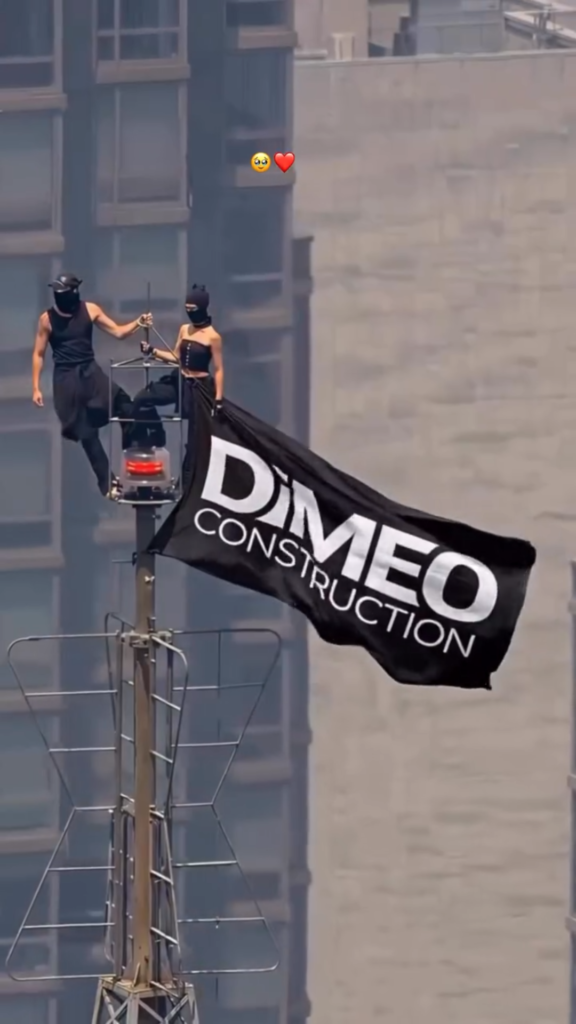 Take Screenshot 👇
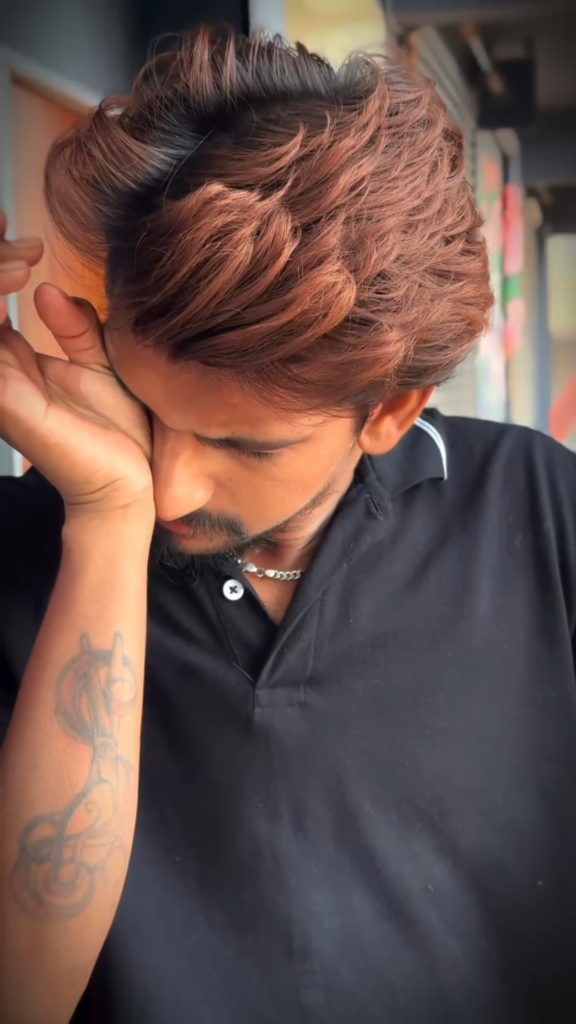
Take Screenshot 👇
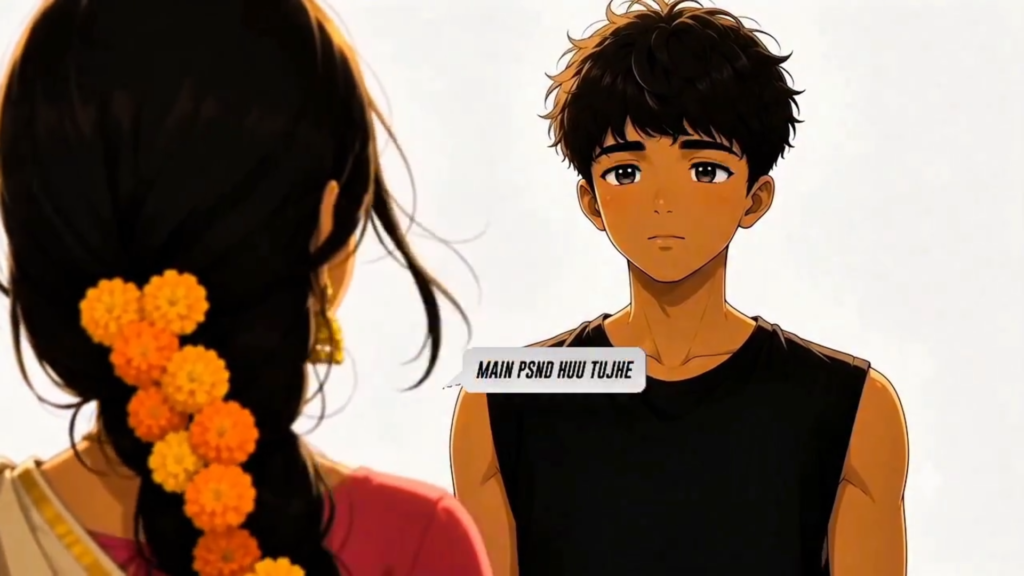
Take Screenshot 👇
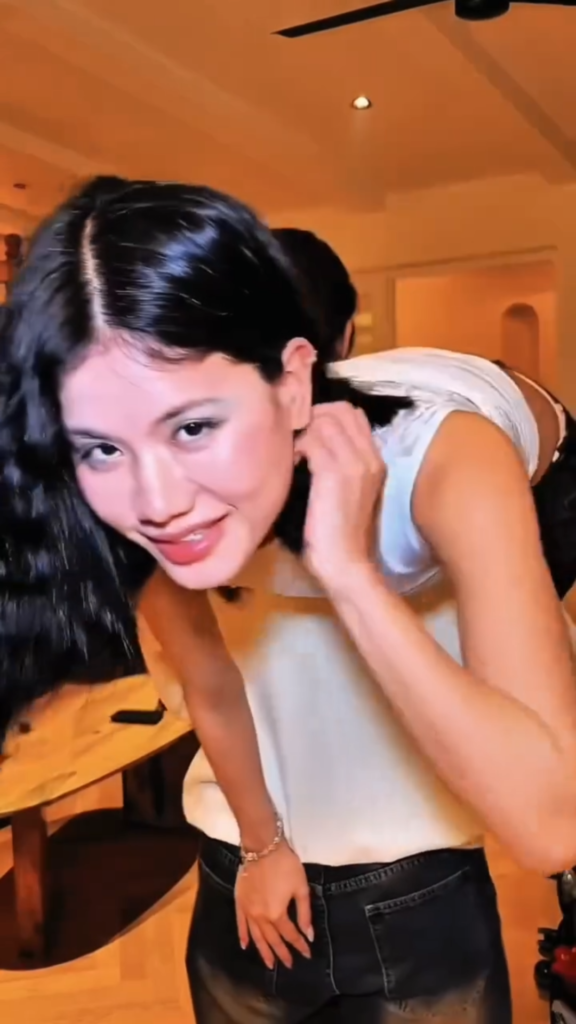
Take Screenshot 👇
Bonus Tip: Colour Grading Aur Filters Se Cinematic Look Dena
Jaisa ki main hamesha koshish karta hoon ki aapko kuch extra aur valuable seekhne ko mile, yeh tip aapki basic video ko next-level cinematic bana degi.
Jab aap template apply karke apne saare photos ya clips add kar lein, toh unhe turant aise hi export mat kar dijiye. Thoda sa extra effort lagaiye. VN Editor ke timeline ke andar aapko ‘Filter’ aur ‘Adjust’ (Color Grading) ka ek kamaal ka tool milta hai.
Apne sabhi main clips par manually thodi si Colour Grading apply karein. Jaise ki:
- Video ka Contrast thoda sa increase karein taki colours pop out hon.
- Saturation ko uski natural lighting ke according slightly adjust karein.
- Agar aap ek mood ya vibe create karna chahte hain, toh Temperature ke sath khelein (blue tone for cool/sad cinematic look, yellow/orange tone for warm/happy vibe).
Template aapko video ka structure (foundation) deta hai, lekin yeh choti-choti colour adjustments aapke us pre-made template video ko baaki sabhi logon se bilkul alag (unique) aur bahut hi zyada attractive banati hain. Is trick se video ki overall production value drastically badh jati hai aur log samajh nahi paate ki yeh mobile se edit hua hai ya PC se!
Conclusion
Toh dosto, VN Editor Trending Template ka sahi tarike se istemal karna apne aap mein ek modern art hai. Yeh tools aapka ghanto ka keemti time toh bachate hi hain, sath hi ek absolute beginner ko bhi ek top-notch professional result nikal kar dete hain.
Bas article mein batai gayi baton ka khayal rakhein: hamesha best aur high-quality clips ka hi use karein, trending audio ki lehar (wave) ke sath chalein, beat-matching par focus karein, aur thodi si apni personal creativity (jaise engaging text hook aur cinematic colour grading) usme zarur shamil karein. Editing koi rocket science nahi hai, yeh lagatar try karne se aur naye tools ko explore karne se aati hai. Aaj hi apna favourite viral template download karein aur editing ki is shandar duniya mein apna kadam rakhein. Practice karte rahiye, aur aap definitely successful honge!