Hello creators! Mera naam MD Maqsood hai aur main pichhle 7+ years se video editing industry mein active kaam kar raha hoon. Apne digital journey ke dauran maine m4editorofficial YouTube channel par 13.6K+ subscribers aur m4_editor_official Instagram handle par 145K+ dedicated creators ki community build ki hai. Mera primary goal is platform ke zariye har beginner aur aspiring creator tak advanced visual storytelling, viral effects aur professional editing techniques bilkul free aur transparent tareeqe se deliver karna hai.
Trending Effects Pack VN Template: Complete Viral Editing Blueprint for Beginners M4 14
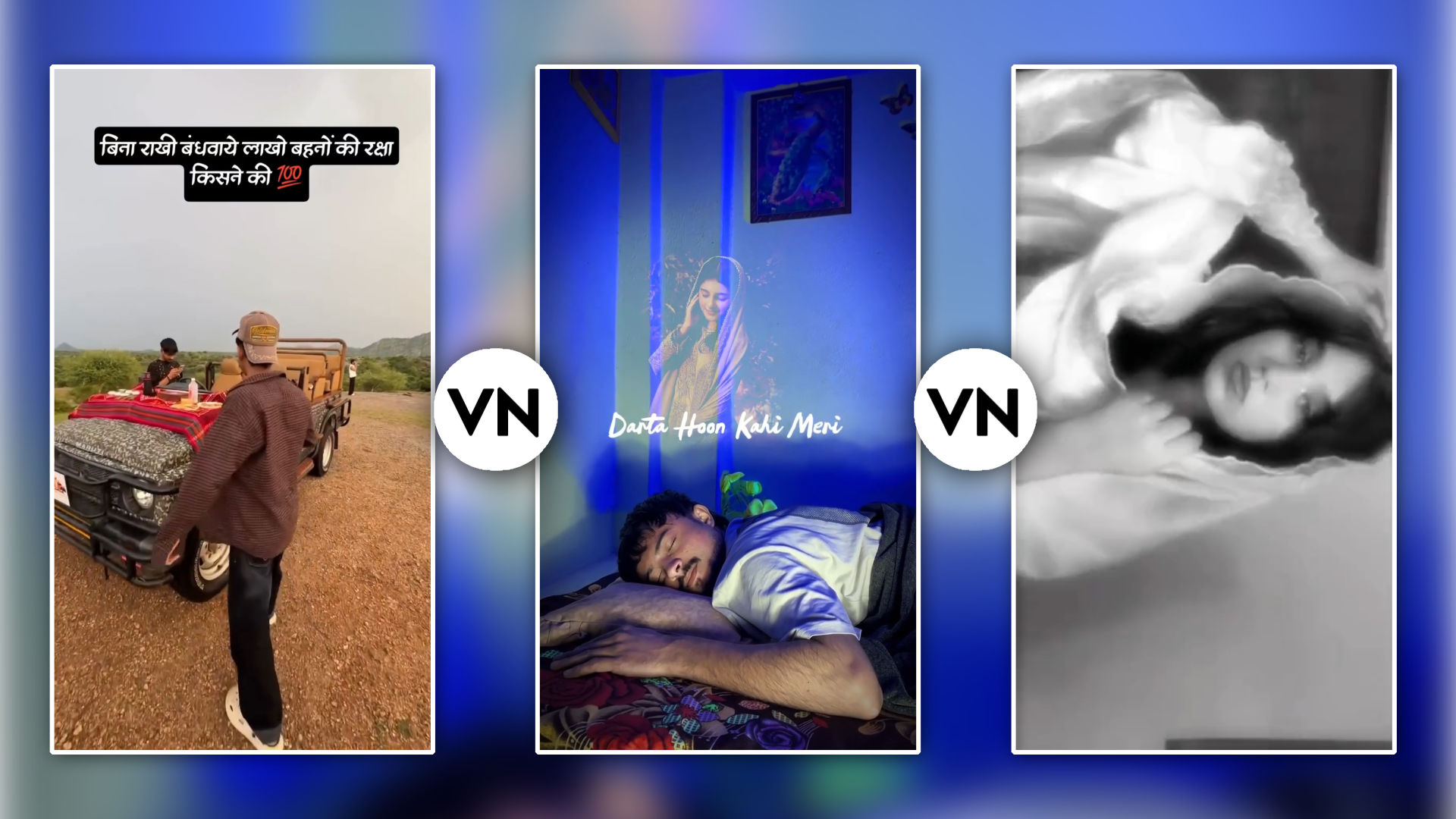
Aaj ke fast-paced social media landscape mein audience ka attention span 3 seconds se bhi kam ho chuka hai. Agar aapki video ka pehla frame aur transition eye-catching nahi hai, toh viewers instantly swipe-up kar dete hain. Yahi wajah hai ki short-form visual creators ke beech trending effects pack VN template ka use sabse powerful tool ban chuka hai.
VN Video Editor mobile creators ke liye ek unmatched powerhouse hai kyunki ye zero watermark ke saath industry-standard grading, keyframing aur layered FX presets provide karta hai. Is detailed guide mein hum samjhenge ki kaise aap in ready-to-use template packs ko download, customise aur manually enhance karke high-retention cinematic reels create kar sakte hain.
What Is a VN Effects Pack Template and Why Is It Viral?
Ek template pack dar-asal pre-configured visual effects, beat markers, colour profiles (LUTs), typography animations aur sound design ka ek ready-made timeline bundle hota hai. Jab aap kisi popular beat ya visual trend par content banate hain, toh scratch se timing match karne mein ghanto lag jate hain.
- One-Click Beat Synchronisation: Music drops ke according keyframe cuts automatically arrange ho jate hain.
- Time-Saving Workflow: 2 ghante ki manual micro-editing sirf 30 seconds ke import process mein complete ho jati hai.
- High Engagement & Retention: Professional visual pacing algorithm ko trigger karti hai, jisse content ka reach multiplier boost hota hai.
Core Visual Elements Inside a Trending Effects Pack
Agar aap ek premium-grade template bundle use karte hain, toh usme usually ye specific visual assets combined hote hain:
1. Flash & Strobe Transitions
White ambient flash aur RGB colour glitch drops transition points par punch create karte hain. Fast-paced gym edits, dance drops aur tech unboxings mein inka use instant dynamic shock-value deta hai.
2. Smooth Zoom In & Out Speed Curves
Flat cut ki jagah parabolic speed curve use karke clip zoom-in ya zoom-out hoti hai, jo seamless continuity create karti hai.
3. Shake & Jitter Keyframing
Bass drop ke time par subtle directional screen shake viewers ka visual focus maintain rakhta hai.
4. Cinematic Colour Tone Presets (.cube)
Dark mood, Urban teal-orange, ya Vintage film look footage ko high-end cinema camera jaisa realistic texture dete hain.
How to Import and Apply VN Template Packs (Step-by-Step)
Beginners ko templates scan ya link karne mein sabse zyada issue aata hai. Is exact process ko follow karein:
- Step 1: Download Official VN App: Google Play Store ya Apple App Store se updated version install karein.
- Step 2: Scan QR Code or Use Direct Link: Creator dwara diye gaye VN Code QR ko apne built-in scanner se scan karein ya .vntemplate file download karein.
- Step 3: Auto Project Setup: VN auto-detect karega project length aur clips requirement (jaise 7 clips ya 12 photos).
- Step 4: Replace Assets: Apne phone gallery se highest-resolution videos/photos select karein jo beat length se match karein.
- Step 5: Preview & Fine-Tune: Auto-generated timeline par check karein ki human subject centre-aligned hai ya nahi.
Advanced Customisation: Making a Template Uniquely Yours
Templates ka sabse bada drawback ye hota hai ki lakho log same visual look copy karte hain. Stand out karne ke liye in simple steps se template ko personalise karein:
- Layer Custom FX Overlays: Default effect ke upar ek soft grain overlay ya lens flare overlay add karein, blending mode ko Screen ya Overlay par set karke.
- Modify Speed Pacing: Agar clip ka motion match nahi ho raha, toh Curve Speed setting mein jaakar Bezier handles ko manually adjust karein.
- Swap Text Typography: Default generic fonts ki jagah trending aesthetic fonts (jaise Anton, Montserrat Black, ya Cinzel) apply karein.
- Add Punchy Sound Effects (SFX): Visual transition ke sath micro-SFX jaise camera shutter, low-hit thud, ya cinematic whoosh place karein.
Top Creative Categories for VN Template Packs
Niche / Category
Primary Visual Effects
Aesthetic Travel / Vlogs
Soft Glow, Film Grain, Slow Ramps
Fitness & Action Edits
White Flash, Fast Zoom-Cut, RGB Glitch
Street Fashion & Lookbooks
Freeze Frame Blur, Mask Reveal
Storytelling & Tutorials
Paper Tear, Split Screen, Minimal Motion
Exporting Lossless Quality: Pro Settings for Social Media
Take Screenshot👇

Kayi baar amazing edit karne ke baad bhi Instagram par video upload hote hi blurry ho jati hai. Is compression problem ko avoid karne ke liye hamesha in manual parameters par export karein:
- Resolution: 1080p (1080 x 1920). 4K uploads ko Instagram aggressively compress karta hai, isliye 1080p best quality retain karta hai.
- Frame Rate (FPS): Hamesha source footage se match karein (30fps or 60fps).
- Bitrate (Manual Setting): Auto mode avoid karein aur Bitrate slider ko 16 Mbps se 22 Mbps ke beech set karein.
- Audio Quality: 320kbps stereo ensure karein taaki sound dynamics flat na lagein.
Bonus Tip: Create Your Own Viral VN Template Code
Take Screenshot 👇

Doosro ke templates use karne ke bajaye aap khud ke custom signature edits ko template QR Code mein convert karke social media par viral distribution achieve kar sakte hain:
- Apna standard project complete edit karein jisme music, transitions aur speed ramps aligned hon.
- Project detail screen par jaakar Share as Template option select karein.
- Specific clips ko replaceable mark karein taaki music aur core FX lock rahein.
- Generated QR code ko download karke Instagram Reels cover ya YouTube community tab par share karein. Ye aapki personal brand authority aur follower growth ko rapid pace par boost karta hai.
Essential Visual Polish: Colour Grading Integration
Take Screenshot👇

Ek trending effect tab tak professional nahi lagta jab tak uski colour science balanced na ho. Agar aap flash transitions use kar rahe hain, toh contrast ko +5 to +10 boost karein aur shadows ko slightly lift karein. Highlights ko -15 reduce karne se skin tones harsh nahi dikhte, chahe intense light leak transitions hi kyu na use ho rahe hon.
Conclusion
Video editing ek visual craft hai jisme consistency aur creative experimentation sabse badi key hai. Trending effects pack VN template aapke workflow ko 10x fast bana deta hai, par ek true editor wahi hai jo in presets ko base banakar apni unique creative style develop karta hai. Daily timeline par naye tools test karein, manual keyframing aur audio design seekhein, aur high-quality engaging visual content publish karte rahein.