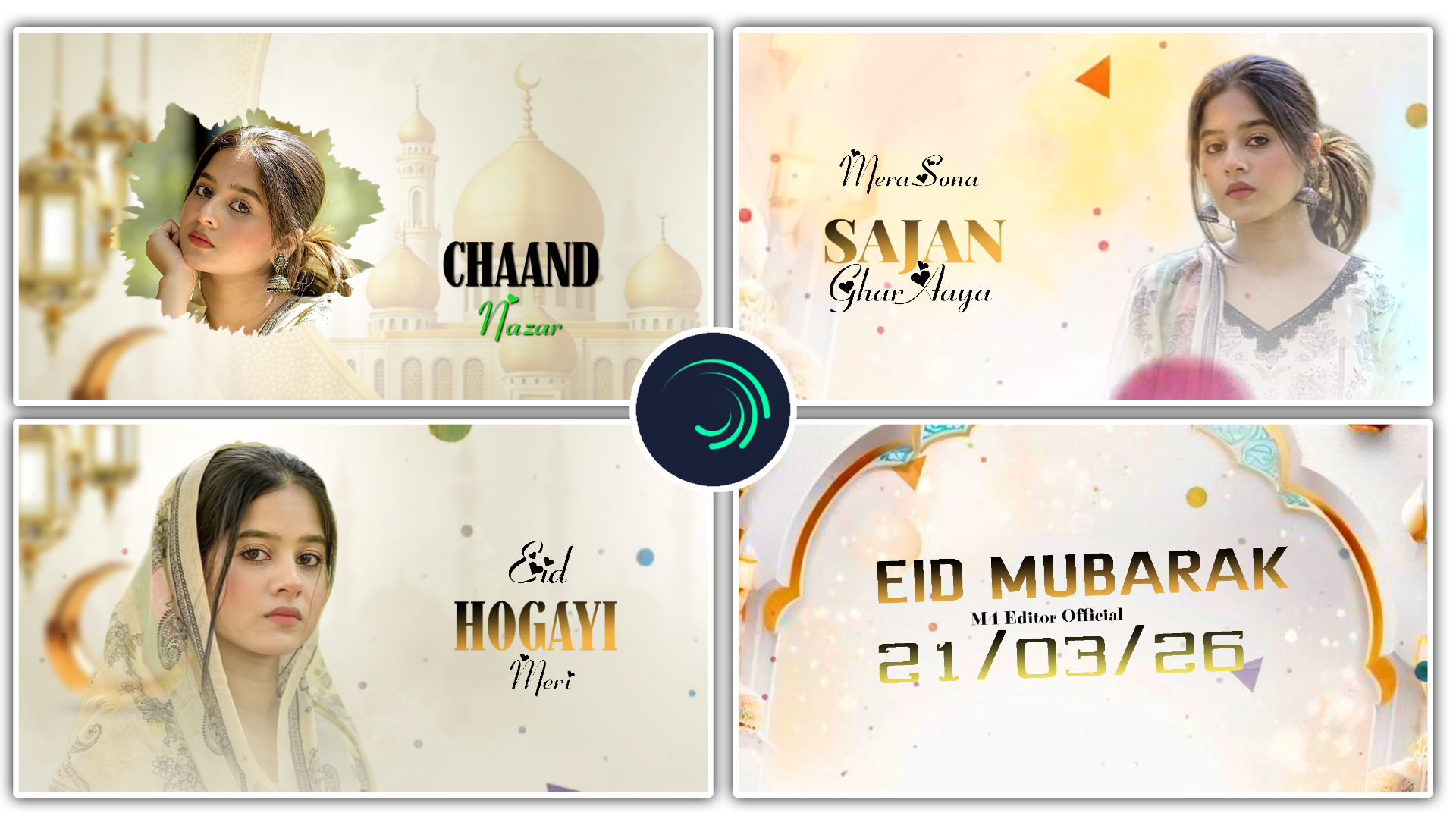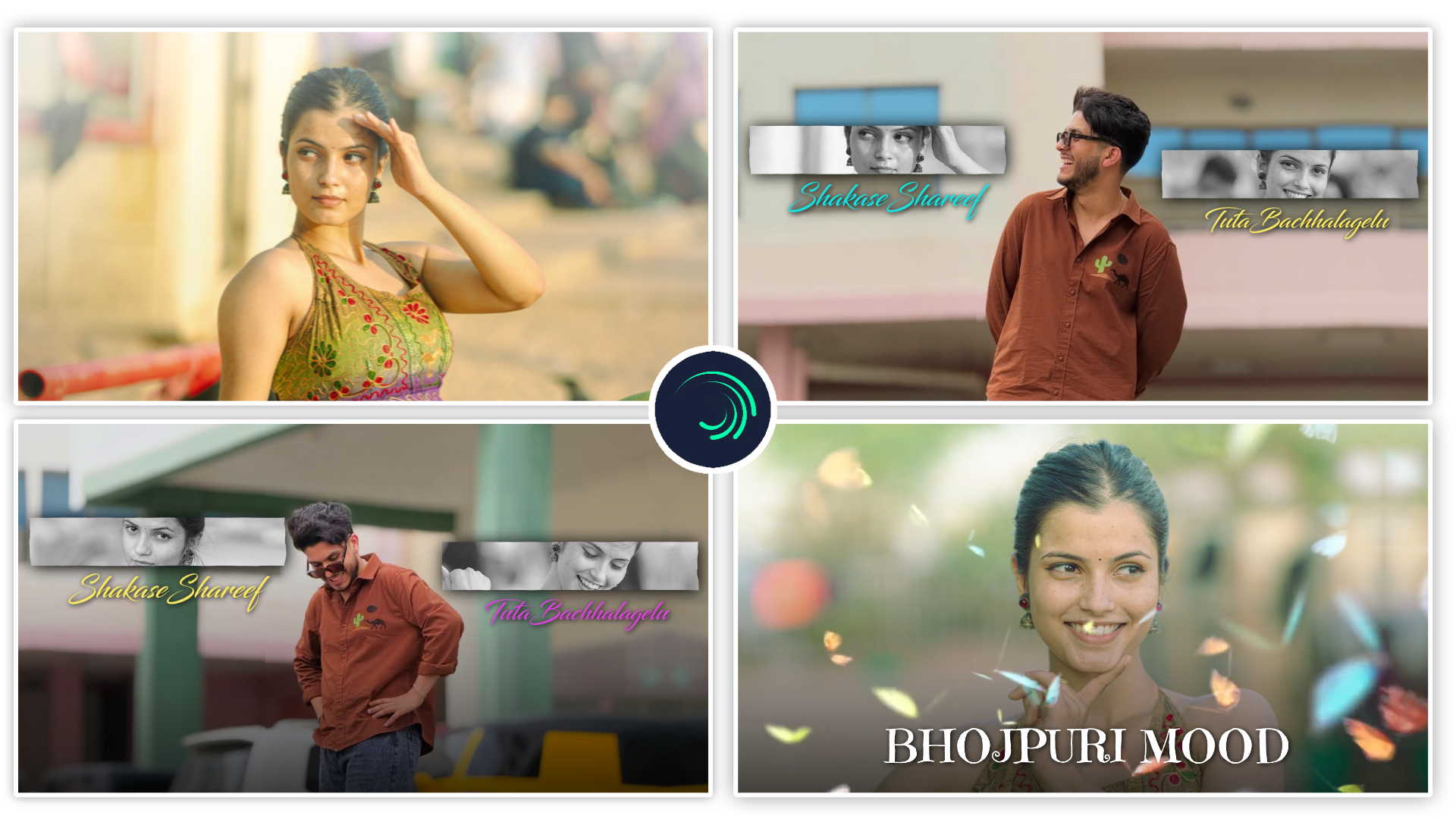
Full Project 👇
Hello dosto! Main ek professional video aur photo editor hoon. Pichle 7+ saalon se editing industry mein lagataar naye creative trends par kaam kar raha hoon. Agar aap social media par thode bhi active hain, toh shayad aap mere YouTube channel “m4editorofficial” (jahan humari 13.6K subscribers ki solid community hai) ya phir mere Instagram page “m4_editor_official” (145K followers) se zaroor jude honge. Mera humesha se yahi vision raha hai—is website ke madhyam se main apna saara premium editing experience, trending aesthetics aur practical guidance bilkul free mein share karoon. Mera goal hai ki ek aam beginner bhi yahan se real, practical skills seekhe aur apne content ko viral bana sake.
Viral Growth Ke Liye Best Creative Content Ideas for Creators M4 66
Aaj ke is fast-paced social media ke zamane mein, ek content creator ke liye sabse bada struggle yeh nahi hai ki video kaise banayein, balki yeh hai ki “Aaj naya kya banayein?” Jab aap lagataar videos dalte hain, toh ek time baad ideas khatam hone lagte hain (jise Creator’s Block kehte hain). Agar aap algorithm ko beat karna chahte hain, toh aapko viral growth ke liye best creative content ideas for creators par kaam karna hi padega.
Internet par hazaron creators same topic par baat kar rahe hain, toh audience aapki video kyon dekhegi? Iska jawab hai—Aapka unique idea aur usko implement karne ka professional tarika. Is detailed guide mein, main na sirf aapko sabse trending Creative Content Ideas for Creators bataunga, balki ek professional editor ki tarah unhein step-by-step implement (execute) karne ka poora process bhi sikhaunga. Is guide ko padhne ke baad, aapke paas content aur uski execution ki kabhi kami nahi hogi!
1. The ’30-Day Challenge’ Series (Binge-Worthy Content)
Aaj kal audience ko series format sabse zyada pasand aata hai. Jab aap apni audience ko kisi safar (journey) ka hissa banate hain, toh aapka retention rate aasmaan chhu leta hai. Aap apne niche ke hisaab se “30 Days of Editing Hacks”, “30 Days of Setup Build”, ya “30 Days to Learn a Skill” jaisi series shuru kar sakte hain. Yeh ek highly engaging Creative Content Ideas for Creators mein se ek hai.
Ise Implement (Execute) Karne Ka Process:
- Planning & Scripting: Series shuru karne se pehle ek din baith kar pure 30 dino ke titles aur short scripts kisi app (jaise Notion ya Google Keep) mein likh lein. Bina planning ke series beech mein ruk jati hai.
- Batch Shooting: 30 din lagataar daily shoot karna practically impossible hota hai. Isliye hafte mein ek din fix karein aur 7-10 videos ek sath record kar lein. Har video mein apni t-shirt aur background ki lighting thodi change kar lein taaki videos fresh lagein.
- Editing Hacks (Progress Bar): Apni video editing app (Premiere Pro, VN ya CapCut) mein ek “Progress Bar” ya “Day X/30” ka text animation zaroor lagayein. Jab koi naya viewer dekhta hai ki yeh “Day 15” hai, toh uske dimaag mein curiosity aati hai aur wo “Day 1” dekhne ke liye aapki profile par visit karta hai, jisse aapke profile visits aur total views tezi se boost hote hain.
2. ‘Behind The Scenes’ (BTS) aur Setup Reality Check
Log hamesha perfect aur polished videos dekh kar thak chuke hain. Aaj ki audience “Real aur Raw” content se zyada emotionally connect hoti hai. Jab aap unhe dikhate hain ki ek 60-second ki Reel ke peechhe kitni mehnat lagti hai, toh log aapki value zyada karte hain.
Ise Implement (Execute) Karne Ka Process:
- Dual Camera Setup: Apne main camera (jis se aap video shoot kar rahe hain) ke alawa, ek purana phone kisi dusre angle (thoda door) par tripod par laga dein. Yeh dusra phone aapko shoot karte hue, fumbles karte hue, ya apni lights set karte hue record karega.
- Editing Contrast Rule: Jab aap is video ko edit karein, toh pehle 3-4 second mein apna final, perfectly colour-graded aur edited shot dikhayein. Phir achanak se music drop karke, ek ‘Glitch’ ya ‘Wipe’ transition lagayein aur apna raw BTS setup dikhayein. Yeh visual contrast viewer ka attention instantly grab kar leta hai.
3. High-Retention Micro-Tutorials (60-Second Value)
Log social media par timepass ke sath-sath nayi skills bhi seekhna chahte hain. Agar aap apne niche ke expert hain, toh lamba gyan dene ke bajaye, apni knowledge ko 60-second ke Micro-Tutorials mein convert karein. Jaise: “Remove background in 1 click”.
Ise Implement (Execute) Karne Ka Process:
- Screen Recording & PiP Mode: Sirf screen record karke mat chhod dijiye, log bore ho jayenge. Screen recording ke sath Picture-in-Picture (PiP) mode mein corner par apna facecam zaroor lagayein. Isse human connection bana rehta hai.
- Zoom & Sound Effects (SFX): Video edit karte waqt, jab aap screen par kisi specific button ya tool par click karte hain, toh video ko wahan par Zoom-in (Scale in) karein. Sath hi, har click par ek ‘Pop’, ‘Mouse Click’, ya ‘Whoosh’ sound effect lagayein. Dynamic editing aur sound design dekhne wale ke dimaag ko engage rakhti hai aur swipe karne se rokti hai.
4. Reaction aur Deep ‘Teardown’ Analysis
Agar aapke paas khud ka naya topic nahi hai, toh dusre viral content ko uthayein aur uspar apna ‘Expert Opinion’ dein. Ek tech creator kisi phone ke features ka teardown kar sakta hai, ya ek editor kisi movie ke VFX ko analyse kar sakta hai. Yeh format aapko instantly ek ‘Authority Figure’ banata hai.
Ise Implement (Execute) Karne Ka Process:
- Software Setup: Is tarah ki videos ke liye OBS Studio sabse best free software hai. Isme aap ek sath apni PC screen aur apna webcam record kar sakte hain.
- Highlighting Tool in Editing: Jab aap video ko edit kar rahe hon aur kisi khaas point ko samjhana ho, toh video ko wahan pause (freeze frame) karein. Editing mein Red Arrows, Circles, ya Neon Highlighters ka use karke us detail par focus draw karein. Saath hi ek ‘Camera Shutter’ sound effect add karein. Yeh technique aapki video ko ek premium documentary jaisa feel deti hai.
5. POV (Point of View) Relatable Skits
Instagram aur YouTube Shorts par aaj kal POV skits aag laga rahi hain. Inmein aap kisi aisi daily life situation par acting karte hain jise dekh kar har koi relate karta hai (Jaise: POV: Jab aapka PC render karte waqt crash ho jaye). Relatable hone ki wajah se in par sabse zyada shares aate hain.
Ise Implement (Execute) Karne Ka Process:
- Camera Angles (The True POV): “POV” ka matlab hai darshak (viewer) ki aankhein. Aapko camera aise place karna hai jaise samne wala insaan khud us situation ko dekh raha ho. Tripod ko chest height par rakhein.
- Text & Subtitle Masterclass: Aisi videos mein bolne se zyada screen par likha text matter karta hai. Screen ke top-centre mein bada aur bold text likhein aur uske peechhe ek Black Transparent Background (opacity 50%) lagayein taaki text clear padha ja sake. Saath mein Dynamic Auto-Captions zaroor lagayein, kyonki lagbhag 70% log short videos ko mute par (bina aawaz ke) dekhte hain.
6. Fast-Paced Mini Vlogs (‘A Day in the Life’)
Lambe vlogs dekhne ka patience ab kisi ke paas nahi hai. Audience ko ‘Aesthetic Mini Vlogs’ pasand hain jahan aapke pure din ko 45-60 seconds mein compress kar diya jata hai. Yeh ek lifestyle creator ke liye best Creative Content Ideas for Creators mein aata hai.
Ise Implement (Execute) Karne Ka Process:
- Micro-B-Rolls Shooting: Subah uthne se lekar raat ke kaam tak, har activity (coffee peena, typing karna, gaadi chalana) ka sirf 2-3 seconds ka high-quality clip (B-roll) shoot karein. Camera angle hamesha fix aur stable rakhein.
- ASMR & Beat-Sync Editing: Background mein ek lo-fi ya trendy chill music lagayein. Apni video clips ko music ki beats par cut karein. Asli magic tab hota hai jab aap ASMR sounds (jaise keyboard ki aawaz, cup rakhne ki aawaz) ko original video se nikal kar volume badha dete hain. Yeh immersive audio experience logo ko aapki video loop par dekhne par majboor kar deta hai.
7. Myth vs. Reality (Busting Industry Secrets)
Har field ke baare mein logo ke man mein kuch galatfehmiyan (myths) hoti hain. Un myths ko target karke video banayein. Jab aap logo ko sachai batate hain, toh trust build hota hai, jo ki EEAT (Experience, Expertise, Authority, Trust) principles ke liye bahut zaroori hai.
Ise Implement (Execute) Karne Ka Process:
- Psychological Colour Grading: Ise visually dikhane ke liye colour grading ka smart use karein. Jab aap “Myth” (jhooth) bata rahe hon, toh video par ek Cold (Blue) ya Desaturated (Black & White) filter laga dein. Aur jab aap “Reality” (sach) bata rahe hon, toh achanak se filter hata kar Warm, bright, aur natural colours le aayein.Colourss ka yeh shift human psychology par seedha asar dalta hai aur message clear karta hai.
Secret Strategy: Ek Idea Ko 5 Jagah Kaise Use Karein (Content Repurposing Workflow)
Bade creators daily naya idea nahi sochte, balki wo ek hi idea ko alag-alag tarah se present karte hain. Ise Content Repurposing kaha jata hai, jo aapka time aur energy dono bachata hai.
Smart Execution Process: Maan lijiye aapne 10 minute ki ek detail YouTube video shoot ki. Ab us ek video se aur content aise banayein:
- Shorts/Reels: Us lambi video ke 3 sabse interesting 60-second ke hisse cut karein, unhein vertical format (9:16) mein edit karke Shorts/Reels par daal dein.
- Instagram Carousels: Uss video ki script ke main points ko Canva mein design karke ek swipe-able Carousel post bana lein.
- Threads/X (Twitter): Uss video ka sabse behtareen quote ya one-liner copy karke text format mein post kar dein. Is ek simple process se aapki ek din ki mehnat, aapko poore hafte ka viral content de deti hai.
Conclusion
Dosto, internet par ideas ki koi kami nahi hai, lekin asli game is baat ka hai ki aap us idea ko kis tarah plan, shoot aur edit karte hain. Upar diye gaye in viral growth ke liye best creative content ideas for creators ko aap kisi bhi niche mein apply kar sakte hain. Hamesha yaad rakhein ki high-quality execution aur sound design aapki simple video ko bhi ek premium masterpiece mein badal sakti hai. Tools ya mehnge camera ki fikar chhod dein; apni storytelling aur in implementation process par focus karein. Aaj hi apna agla content plan karein, camera uthayein aur in techniques ko use karke apne channel ko next level par le jayen. Keep creating, keep hustling
Preset
Xml File
Song