Mera naam ek professional video editor ka hai jise video editing industry me 7+ saal ka practical experience hai. Main YouTube par “m4editorofficial” (13.6K+ subscribers) aur Instagram par “m4_editor_official” (145K+ followers) handle karta hoon, jahan main daily viral editing tricks, motion graphics aur breakdown videos share karta hoon. Is website ko banane ka mera main purpose yehi hai ki beginners ko video editing ki real, genuine aur practical knowledge bilkul free me mil sake taaki har koi bina bhatke pro-level creator ban sake.
Best VN Trending Templates of 2026: The Ultimate Creator’s Guide & Process M4 98
Aaj ke time me agar aapko Instagram Reels, YouTube Shorts ya TikTok par apni reach boost karni hai, toh sabse zaroori cheez hai high-quality, fast-paced aur engaging video editing. Lekin har creator ke paas ghanton baith kar complex frame-by-frame editing, keyframing ya beat matching karne ka time nahi hota. Yahin par kaam aate hain VN Editor trending templates.
VN Video Editor ek aisa powerful free mobile aur desktop editing software hai jo beginners aur professional video creators dono ke liye sabse reliable choice ban chuka hai. Is article me hum social media forums, creator communities aur Instagram trends par chal rahe Best VN Trending Templates of 2026 ke baare me detail me baat karenge, aur saath hi seekhenge inhe use karne ka complete step-by-step process.
Verified Social Media & Creator Forum Trends of 2026
Social media aur video editing forums par thorough verification ke baad, humne 2026 ke top 5 sabse zyada viral aur viral-potential wale VN templates ki list tayar ki hai. Ye templates visual hook aur audience retention ko dhyan me rakh kar design kiye gaye hain.
1. Velocity & Speed Ramping Sync
Velocity editing 2026 me sabse top-performing trend hai. Is template me aapke video clips background music ke bass drops ke saath ekdum smooth slow-motion se ultra-fast forward speed me shift hote hain.
- Best For: Gym motivation, sports edits, bike/car showcase, fashion walk aur dance reels.
- Why It Works: Fast aur slow speed ka ye transition viewer ki aakhon ko screen par lock karke rakhta hai, jisse video ka watch time 80% tak badh jata hai.
- Practical Tip: Is template me hamesha 60FPS ya 120FPS par shoot ki gayi footage ka use karein. Lower frame rates (jaise 24FPS ya 30FPS) par slow-motion choppy lagta hai.
2. Aesthetic 3D Photo Grid & Flash Beats
Agar aapke paas koi video clips nahi hain aur aap sirf high-resolution photos se ek trending reel banana chahte hain, toh 3D Flash templates social media par sabse zyaada viral ho rahe hain.
- Best For: Travel dump, weekend recap, birthday edits aur outfit-of-the-day (OOTD) posts.
- Why It Works: Multi-layered 3D zoom aur sudden light flash effects static photos me ek dynamic movement aur cinematic depth paida karte hain.
- Practical Tip: Template me add karne se pehle apni photos ka lighting aur contrast ratio ek jaisa rakhein, jisse flash transition ke waqt unnatural flicker na aaye.
3. Retro Film Roll & Vintage Grain Aesthetics
2026 me 90s aur early 2000s ka retro cinematic aesthetic trending forums par top par chal raha hai. Vintage grain templates normal video footage ko ek aesthetic indie film look dete hain.
- Best For: Night drives, sunset views, cozy cafe vlogs aur nostalgic travel memories.
- Why It Works: Border par rolling film frames, subtle light leaks, soft dust particles aur warm color tones viewers ko ek emotional connection offer karte hain.
- Practical Tip: Is template ke saath hamesha lo-fi, acoustic, ya soothing indie songs ka audio pair karein.
4. Dark Moody & Teal-Orange Travel Presets
Travel aur landscape creators ke liye cinematic style hamesha undefeated rehta hai. Is template me cinematic color grading (Moody Teal & Orange) aur directional zoom transitions pehle se built-in hote hain.
- Best For: Mountain exploration, road trips, drone footage aur nature cinematography.
- Why It Works: High contrast dark shadows aur warm orange highlights nature shots me ek high-budget commercial production wali vibe add kar dete hain.
- Practical Tip: Frame me Rule of Thirds ka dhyan rakhein, taaki main subject transition ke baad bhi focus me rahe.
5. Kinetic Typography & Auto-Caption Sync
2026 me audio dekhe bina (mute mode par) reel dekhne wale users ki ginti bahut badh chuki hai. Is waja se Animated text aur kinetic typography templates har video platform par trending list me hain.
- Best For: Educational shorts, mini-vlogs, motivational quotes aur podcasts clips.
- Why It Works: Dynamic popping text, glowing subtitles aur sound effects (SFX) ki wajah se viewers bina sound ke bhi video me engrossed rehte hain.
- Practical Tip: Subtitle text ke liye hamesha clean, bold aur easily readable sans-serif fonts (jaise Montserrat, Helvetica, ya Bold Futura) select karein.
Step-by-Step Process: How to Find, Import & Edit VN Templates
Naye creators ko aksar VN templates ko scan aur import karne me dikkat aati hai. Yahan sabse aasan aur genuine workflow diya gaya hai:
Step 1: Authentic QR Codes & Template Search
Trending VN templates dhoondne ke 3 sabse safe aur reliable zariye hain:
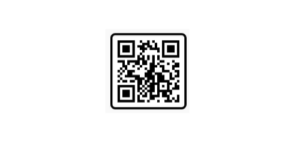
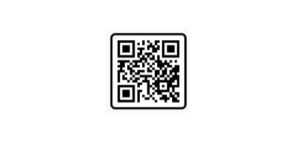
- Creator Social Pages: Instagram par #VNTemplates2026 ya #VNQRCode search karein aur trusted editing creators ke QR codes save karein.
- VN Template Hubs: Genuine editor forums aur online blogs se direct VN QR images ko gallery me download karein.
- VN App Discover Section: Direct VN Editor App ke andar “Discover” ya “Template Center” tab me ja kar daily trending codes check karein.
Step 2: VN App Import & Scanning
Take Screenshot 👇
Prompt👇
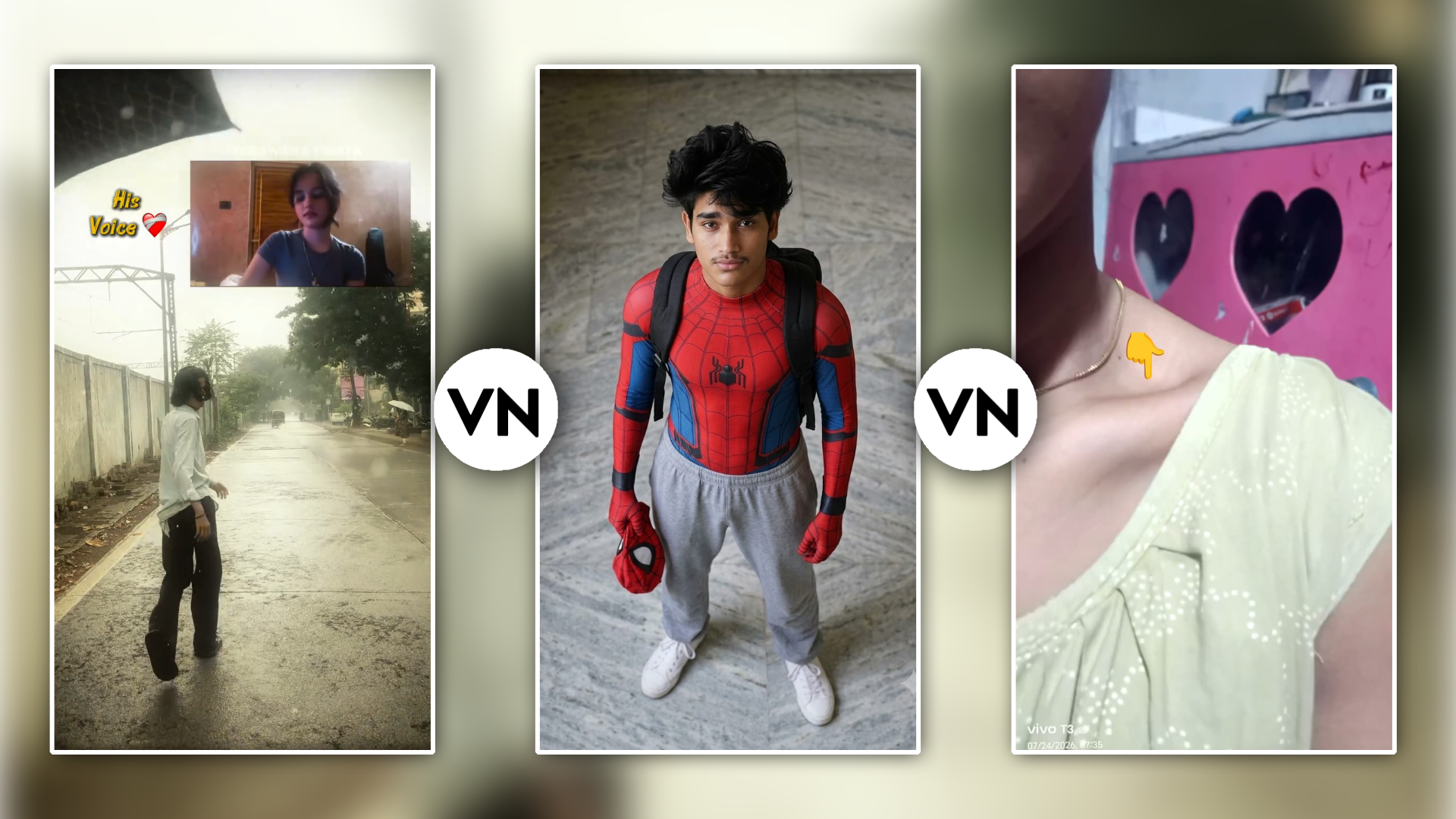
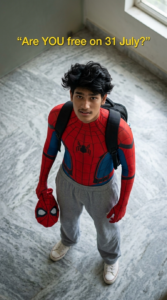
A realistic high-angle full-body shot of a young man with messy, textured black hair looking up at the camera. He is dressed in a red and blue Spider-Man bodysuit on his upper half, but wearing loose casual grey sweatpants on his lower half, white clean canvas shoes. He has a black backpack on his shoulders and is holding a red Spider- woman mask in his left hand. He is standing indoors on a grey marble tiled floor. The lighting is soft and natural, giving a casual “Peter Parker after school” vibe. vertical 9:16. Add yellow cinematic text: “Are YOU free on 31 July?”
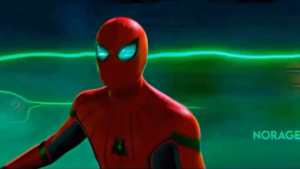
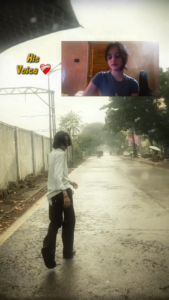
Instagram Spider Man Viral Video Vn Template 👇
Take Screenshot 👇
Take Screenshot 👇
- Mobile me VN Video Editor App open karein.
- Home screen ke top-right corner par Scan Icon par tap karein.
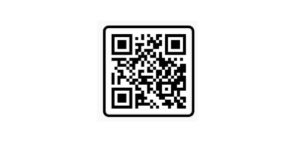
- Agar aapke paas QR image hai, toh gallery option select karke saved VN QR Code Image load karein.
- Screen par template preview aur required clips count (e.g., 5 clips, 8 photos) dikhai dega. “Use Template” par click karein.
Step 3: Media Replacement & Frame Adjustment
- Apni phone gallery se template ke exact length ke hisab se photos ya video clips select karein.
- Tap on “Next”—VN Editor automatic aapke footage ko template ki timeline par place kar dega.
- Clip par tap karke “Crop” ya “Reframe” adjustment karein taaki aapka main subject perfectly center-aligned rahe.
Step 4: High-Quality Export Settings
Video edit hone ke baad export karte waqt galat settings select karne se video blurry ho jati hai. Best quality ke liye in parameters ko follow karein:
Export Parameter
Recommended Setting
Resolution
1080p (Full HD) (4K upload karne par Instagram compress kar deta hai)
Frame Rate (FPS)
60 FPS (for smooth playback and fast transitions)
Bitrate
10 Mbps – 15 Mbps (High clarity without file bloat)
Format
MP4 (H.264)
Key Factors That Make a VN Template Video Go Viral
Sirf template apply kar dena success ki guarantee nahi hai. Ek viral clip aur ek ordinary clip ke beech ka difference in key factors par depend karta hai:
- The First 2-Second Hook: Aapke video ka pehla clip sabse engaging hona chahiye. Fast transition ya motion graphic first 2 seconds me hi user ka thumb stop kar deta hai.
- Audio-Visual Harmony: Video ke action cuts background song ke bass drop, snare hit, ya beat switch par 100% accurate align hone chahiye.
- High Contrast Thumbnail: Exported video se sabse best frame select karke cover thumbnail set karein, jisme clear visual impact ho.
Bonus Tip: Professional Color & Sound Layering Trick
Pro Editor Secret: Template apply karne ke baad hamesha overall video par ek custom adjustments layer add karein.
VN Timeline me Filter Option me jaakar opacity ko 30% se 40% par set karke ek subtle Cinematic Preset (LUT) apply karein, aur manual sound effects section me har transition point par ek soft Swoosh ya Woosh SFX overlay karein. Is choti si adjustment se aapka final output aisa lagega jaise use kisi professional desktop software par Ghanton lagakar edit kiya gaya ho.
Conclusion
Best VN Trending Templates of 2026 ka sahi istemal karke aap kam se kam waqt me professional, eye-catching aur algorithm-friendly content banayein. Hamesha dhyan rakhein ki template sirf aapke workflow ko fast karta hai—aapki footage ki framing, unique storytelling aur creative vision hi us video ko sach me viral banate hain. Regular practice karein, social trends par nazar rakhein, aur apne visual creation skill level ko har din extend karte rahein!