Tum Radhe Us Ananya Prem Ki Shiromani Ho Viral Reels Editing 2026: Ultimate Creator Blueprint M4 97
Instagram Reels aur Shorts par in dino spiritual-aesthetic content ka ek naya wave aaya hua hai. Is pure trend mein sabse zyaada viral aur high-engagement paane wali editing style hai “Tum Radhe Us Ananya Prem Ki Shiromani Ho Viral Reels Editing 2026”. Is video style ki sabse khas baat ye hai ki ye dekhne mein kafi emotional, spiritual, aur visually attractive lagti hai, jise dekh kar viewers video par pause ho jate hain aur retention rate automatically high ho jata hai.
Agar aap ek beginner content creator hain aur bina kisi high-end PC ya complex software ke, apne mobile se hi aisi trending reels create karna chahte hain, toh ye ultimate step-by-step masterguide aapke liye hi design ki gayi hai.
Trend Breakdown: Why Is This Style Going Viral in 2026?
Google AdSense aur SEO perspective se kisi bhi editing trend ko samajhna zaroori hai taaki aap audience ki demand ke hisab se content deliver kar sakein. Is specific trend ki success ke piche 3 main psychological aur technical elements hain:
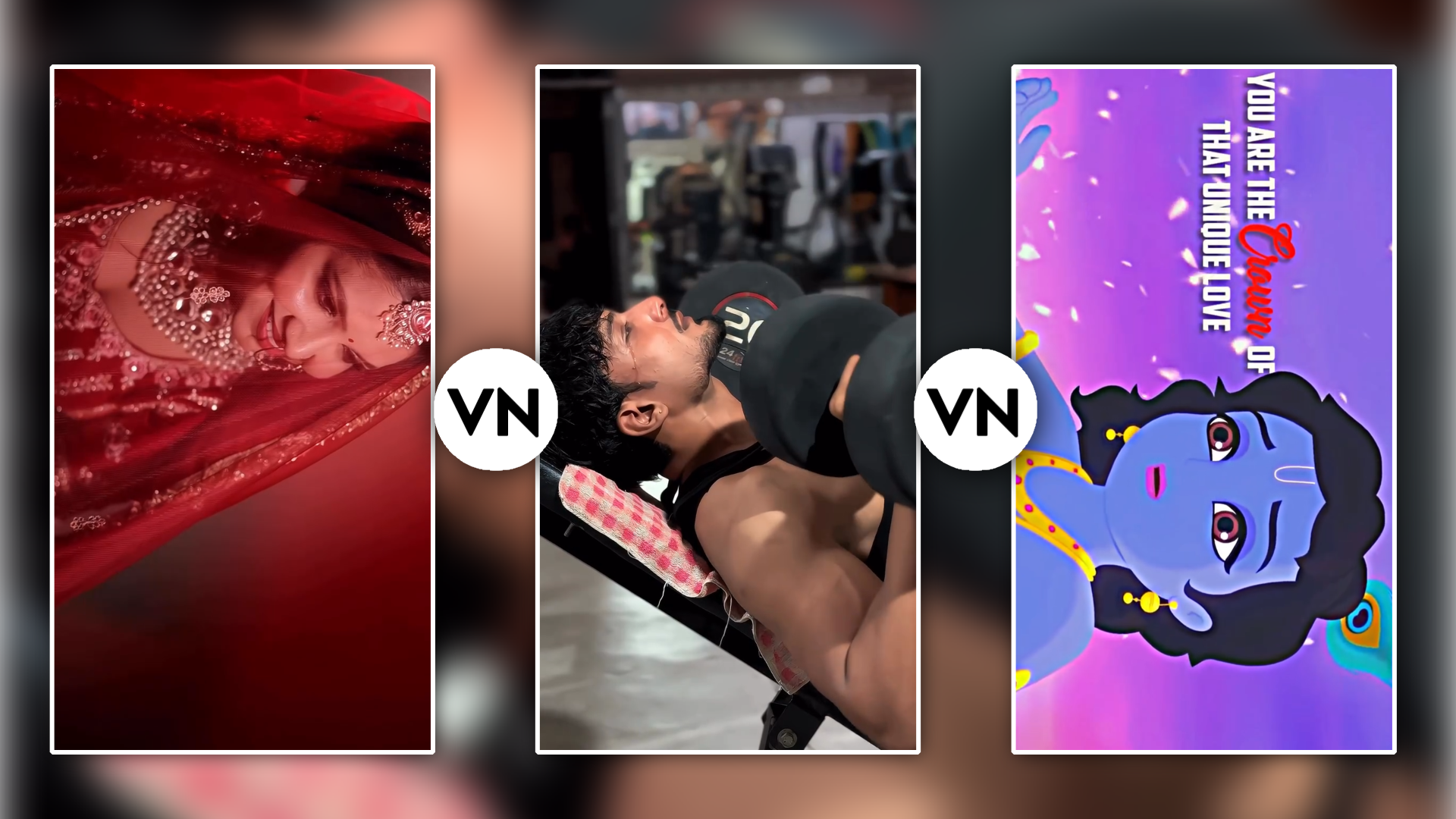
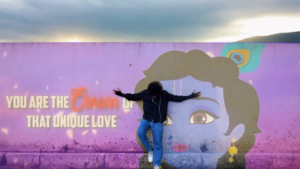
- High Visual Contrast (Layering): Isme background mein energetic aur aesthetic Radha Krishna animated video chalta hai, jabki foreground mein Creator ya Model ki clean cut-out image hoti hai.
- Seamless Mask Blending: Hard borders ko chhupa kar Soft Feather Masking ka use kiya jata hai, jisse aisa lagta hai jaise creator sach mein us divine background ka hissa hai.
- Audio-Visual Hook: Devotional lyrics aur soft bgm ka combination reels algorithm ko signal deta hai ki viewer video ko end tak dekhe.
Tools & Pre-Requisites Required
Editing process start karne se pehle ye assets ready rakhein:
- VN Video Editor App: Android aur iOS dono par bilkul free, secure aur watermark-free app.
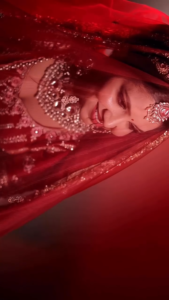
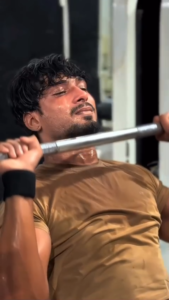
- A Good Lighting Subject Clip: Aapki apni portrait video ya photo jisme lighting clear ho, taaki AI cutout feature accurately kaam kar sake.
- Radha Krishna Divine Overlay Material: High-quality overlay clip.
Step-by-Step Mobile Editing Masterclass (VN App Tutorial)
Is unique workflow ko follow karke aap 5 minute mein professional quality reel ready kar sakte hain:
Step 1: Project Setup & Base Clip Import
- Apne mobile mein VN Video Editor app open karein.
- Niche diye gaye “+” (Plus Icon) par click karke New Project choose karein.
- Apni original footage (photo ya video) ko gallery se select karke primary timeline par import kar lein.
- Top bar par jaakar aspect ratio 9:16 (Story/Reel Format) select karna na bhulein.
Step 2: Downloading the Overlay Video File
- Google Chrome ya koi bhi browser open karein aur Google Search bar mein jayein.
- Yahan search karein “m4editor.com” portal.
- Official m4editor.com website ko open karke search bar mein “Tum Radhe Us Ananya Prem Ki Shiromani Ho Overlay Download” type karein.
- Article ke andar diye gaye official Download Button par tap karke HD Overlay Video ko apne phone ke file manager mein save karein.
Tum Radhe Us Ananya Prem Ki Shiromani Ho Viral Reels Editing 2026: Ultimate Creator Blueprint
Step 3: Layering Overlay using PIP Feature
Take Screenshot 👇

Take Screenshot 👇

- VN App ki main editing screen par wapas aayein.
- Subtitle layer ke niche diye gaye PIP (Picture-In-Picture / Sticker) track par tap karein.
- m4editor.com se download ki gayi overlay video file ko select karein.
- Bottom menu se Fill ya Fit option click karke is overlay clip ko puri screen par scale kar lein.
Step 4: Duplicate & AI Background Removal (Cutout)
- Ab primary (bottom) main clip ko select karein aur tool menu se Duplicate button par press karein.
- Is duplicated clip ko Forward to PIP option se sabse top wali layer par le aayein.
- Top layer par rakhi clip ko select karein aur niche toolbar se Cutout (AI Auto Background Remover) par tap karein.
- Isse background instant erase ho jayega aur aapka character foreground par isolated dikhne lagega.
Step 5: Feather Linear Masking (The Magic Effect)
- Overlay video layer par click karein.
- Niche toolbar ko scroll karke Mask option par tap karein aur Linear Mask select karein.
- Mask line ko frame ke beech mein set karein aur mask ke White Arrow (Feather Tool) ko halka sa niche ki taraf drag karein.
- Is process se video edges completely smooth ho jayengi aur background bilkul realistic tareeqe se aapke cutout ke saath merge ho jayega.
Step 6: 4K Ultra HD Export Settings
Advanced Secret Hacks: Boost Reel Aesthetic Appeal
Agar aap apni video ko baaki hazaron creators se alag aur zyada professional dikhana chahte hain, toh ye bonus editing hacks zaroor apply karein:
1. Motion Blur & Keyframe Magic
Jab aapka cutout character screen par appear hota hai, toh us par Keyframe ka use karke slight zoom-in effect add karein. Isse video flat nahi lagti aur cinematic motion feel hota hai.
2. Selective Colour Enhancement
- VN App ke Adjust menu mein jaakar HSL Tool use karein.
- Red aur Orange saturation ko +10% badhayein taaki skin tone natural aur glowing lage.
- Blue aur Purple saturation ko +15% badhayein jisse background ke divine overlays aur pop out ho kar dikhein.
3. Soft Ambient Vignette
Bottom menu se Vignette setting ko +12 par set karein. Isse edges par dark shadow aati hai jo viewer ka pura focus centre screen (aap ke character) par Shift kar deti hai.
Alternative Solutions (If VN Cutout Faces Issues)
Kabhi-kabhi lighting kam hone ki wajah se VN App ka AI Cutout clean edges nahi deta. Aise mein in tools ka upyog karein:
- CapCut Cutout / Auto Removal: Agar aap PC ya CapCut mobile use karte hain, toh iska AI cutout algorithm low-light photos par bhi sharp edges deta hai.
- Remove.bg / Canva: Static photos ke liye aap m4editor.com par bataye gaye direct background removal links ka use karke PNG cutout import kar sakte hain.
Content Creator Retention & SEO Strategy 2026
- Use Trending Audio ID: Reel publish karte waqt hamesha Instagram ki official trending audio ID hi lagayein. Editor app ki audio ko mute kar ke Instagram se audio sync karna best practice hai.
- Posting Time & Captions: Spiritual aur Aesthetic Reels ko subah 7:00 AM se 9:00 AM ya shaam ko 6:00 PM se 8:00 PM ke beech post karein. Caption mein Devotional aur Editing related tags zaroor add karein.
Conclusion
“Tum Radhe Us Ananya Prem Ki Shiromani Ho Viral Reels Editing 2026” style reel banana VN App ke Advance Masking aur Cutout features ke sath behad simple hai. High-quality overlay assets download karne ke liye m4editor.com par visit karein aur bataye gaye step-by-step guidance ko follow karein. In professional tweaks aur colour adjustments se aapki video na sirf uniquely pop karegi, balki Instagram Reels algorithm par viral hone ke chances bhi multiple times badh jayenge. Happy Editing!