Hey creators! Main hoon aapka editing partner, ek professional video editor jise industry mein 7+ years ka solid experience hai. Agar aap social media par active hain, toh aapne mera YouTube channel m4editorofficial (13.6K+ subscribers) ya Instagram page m4_editor_official (145K+ followers) zaroor dekha hoga, jahan main daily cutting-edge editing tricks share karta hoon. Is website ko banane ka mera maksad bilkul saaf hai—main chahta hoon ki har ek beginner ko bina ek bhi paisa kharch kiye genuine editing knowledge, practical tips aur trending techniques mil sakein taaki aap sab bhi pro-level content creator ban sakein.
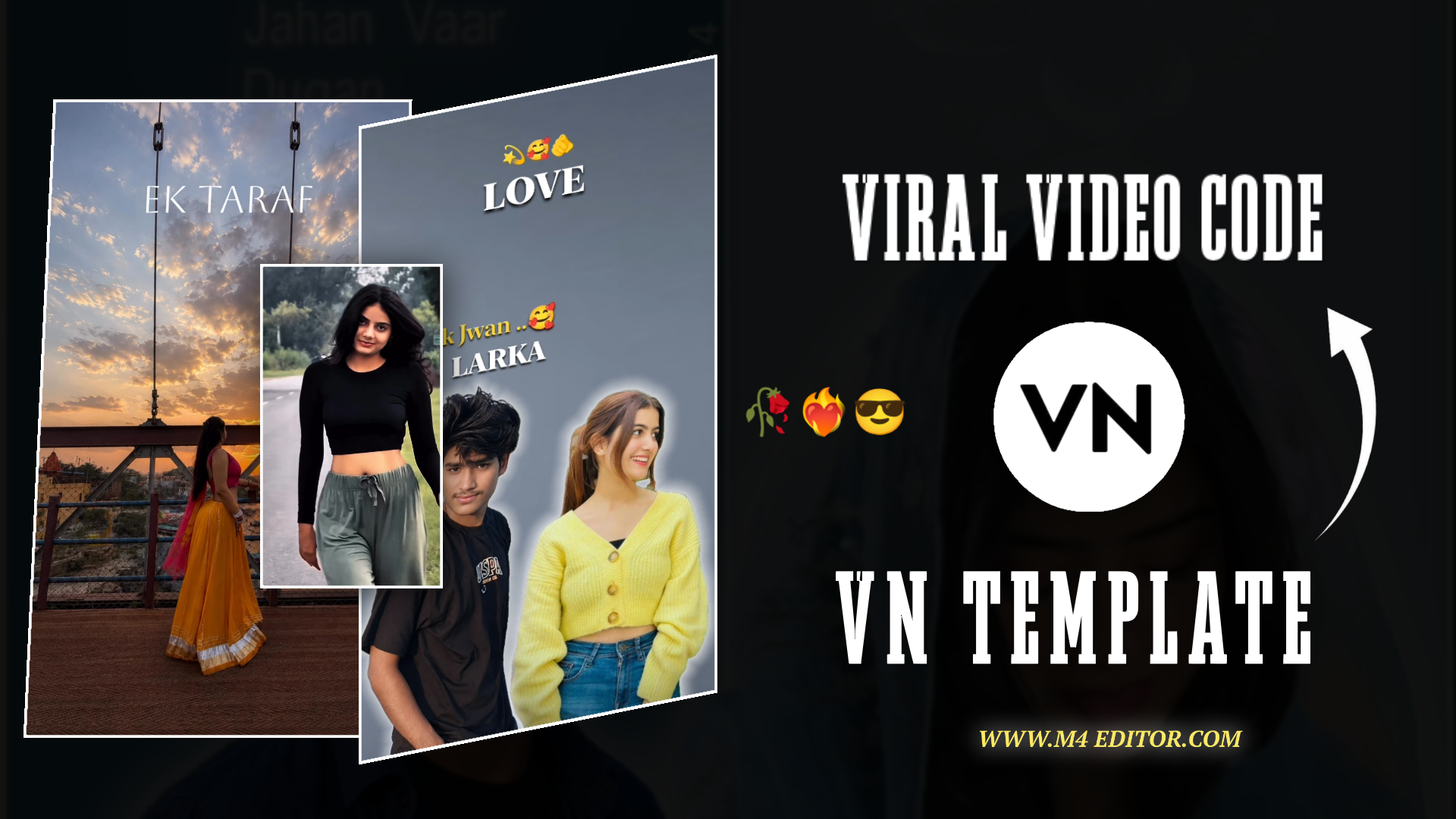
Ek Taraf Bhram Ek Taraf Karam Trending VN QR Code 2026 | 100% Working Template M4 85
Social media ka daur bade tezi se badal raha hai aur 2026 mein agar aapko Instagram Reels ya YouTube Shorts par raato-raat viral hona hai, toh trending audio par video banana sabse solid strategy hai. Is samay internet par ek hi sound sabse zyada dhoom macha raha hai, aur woh hai—”Ek Taraf Bhram Ek Taraf Karam”. Is sound ka swag, heavy bass drop aur cinematic transition audience ko screen se chipke rehne par majboor kar deta hai.
Lekin ek sabse badi problem jo har ek beginner creator face karta hai, woh hai perfect beat-matching aur accurate transition alignment. Agar aap manually video ko edit karne baithenge, toh aapke ghanto waste ho sakte hain, aur output phir bhi professional na lage. Isi mushkil ko aasan karne ke liye aaj main aapke sath Ek Taraf Bhram Ek Taraf Karam Trending VN QR Code 2026 ka 100% working template aur custom AI generation guide share kar raha hoon. Is single code ko scan karte hi aapki ultra-professional video kuch hi seconds mein bankar ready ho jayegi.
VN QR Code Technology Kya Hai Aur Yeh Kaise Kaam Karti Hai?
Jo log mobile editing mein naye hain, unhe lagta hai ki premium videos banane ke liye PC ya bade software ki zaroorat hoti hai. Lekin VN Video Editor (Vlog Now) ne is game ko bilkul badal diya hai. VN ka QR Code feature asal mein ek ready-made project blueprint hota hai.
Jab main ya koi professional editor kisi project ko perfect keyframes, custom filters, precise sound overlay aur velocity effects ke sath design karta hai, toh hum usko ek unique QR code mein convert kar dete hain. Jab aap is code ko apne VN app ke scanner se scan karte hain, toh poori ki poori heavy timeline transitions ke sath aapke phone mein import ho jaati hai. Aapko zero se editing nahi karni padti; bas blank spaces mein apne images ya video clips ko fill karna hota hai.
VN Code Scan Karke Template Download Karne Ka Process
Is trending project ko apne device mein safely aur bina kisi technical error ke lane ke liye niche diye gaye steps ko step-by-step follow karein:
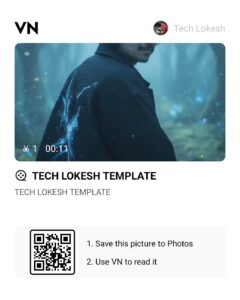
- Sahi QR Code Image Save Karein: Sabse pehle aapko hamari website par diye gaye authentic aur updated Ek Taraf Bhram Ek Taraf Karam Trending VN QR Code 2026 image ka clear screenshot lena hai ya use download karke apni mobile gallery mein save kar lena hai.
- VN Application Ko Update Aur Open Karein: Apne Android ya iOS device mein Google Play Store ya App Store se VN app ka latest 2026 version update karein. Old version mein naye templates fetch nahi hote. App open karein.
- Scanner Tool Par Tap Karein: VN App ke dashboard (Home Screen) par top-right corner mein ek chota sa square Scan Icon dikhega, us par click karein.
- Gallery Se Image Select Karein: Scanner open hote hi screen par aapko camera ke sath gallery ka option dikhega. Wahan click karke jo QR code image aapne abhi save ki thi, use direct select kar lein.
- Template Loading Process: Jaise hi app code ko read karega, yeh cloud server se editing files download karna shuru kar dega. Kuch hi seconds mein screen par video ka live preview aur niche ek blue-coloured Use Template button aa jayega.
Download Karke Template Use Karne Ka Complete Step-by-Step Workflow
Take Screenshot 👇
Take Screenshot 👇
Take Screenshot 👇
Instagram Reel 👇
Click here
Template load ho jaane ke baad asli kaam shuru hota hai, jahan aapko apni creativity insert karni hai. Agar aap chahte hain ki aapki video baaki logo se hatkar dikhe, toh is tarike se apni media files arrange karein:
- Perfect Media Selection: Apni photo gallery se 2 se 4 high-quality portraits ya short aesthetic video clips pehle se shortlist karke rakh lein. Pehla part ‘Bhram’ (illusion/simple look) ko suit karna chahiye aur beat drop ke baad wala part ‘Karam’ (action/swag/attitude look) ko reflect karna chahiye.
- Clips Ko Slots Mein Place Karein: App mein Use Template button dabaein. Yeh aapko seedhe aapki gallery mein redirect karega. Jis sequence mein slots bane hain, usi sequence mein apne media ko tap karke select karte chalein.
- Timeline Beat Re-check: VN app aapki clips ko automatically milliseconds ke hisab se trim kar dega. Ek baar play button daba kar check karein ki transition sound drop ke sath match ho raha hai ya nahi. Agar koi photo center se out hai, toh us clip par click karke Crop & Zoom tool se face ko center mein alignment dein.
- Export Matrix Config: Jab aap project se 100% satisfied ho jayein, toh top right corner mein diye gaye Export button par tap karein. Hamesha resolution ko 1080p (FHD), frame rate ko 60 FPS aur bit rate ka slider High par rakhein. Isse Instagram ya YouTube par compression ke baad bhi aapki video blur nahi hogi.
Special AI Prompt Feature: Sabhi AI Platforms Ke Liye Universal Prompts
Agar aap is trend mein apni khud ki real video nahi lagana chahte, aur chahte hain ki bilkul unique, high-quality cinematic AI images ya videos is template ke sath background mein chalein, toh maine aapke liye do master prompts design kiye hain. In prompts ko aap Midjourney, Bing Image Creator, Leonardo AI, ya Runway Gen-2 par use karke jaw-dropping visuals generate kar sakte hain.
1. Cyberpunk Aesthetic Prompt (For Swag & Attitude Look)
“A hyper-realistic cinematic portrait of a young Indian man with sharp facial features, wearing a modern street-style black jacket, standing under glowing neon lights in a futuristic Mumbai street at night, heavy cinematic rain effect, dramatic lighting, shot on an 85mm lens, photorealistic, 8k resolution, ultra detailed.”
2. Spiritual & Mystical Prompt (For ‘Bhram & Karam’ Theme Look)
“A stunning conceptual visual representing illusion and action, a young Indian creator split in a dual character, left side represents peace and illusion with soft blue lighting, right side represents power and action with warm golden fiery lighting, cinematic composition, deep depth of field, artstation trending, dark moody background, highly detailed.”
Editing Tip: In prompts ko text box se copy karein, apna gender ya clothing preferences badalna ho toh minor changes karein, aur generated image ko VN template ke beat drop wale slots mein place kar dein. Aapki video automatically next-level ban jayegi.
Pro Creator Insights: Video Ki Visibility Aur Reach Badhane Ka Advanced Tarika
Agar aap chahte hain ki aapki reel par loop views aayein, toh sirf automatic template par nirbhar na rahein. Yeh kuch professional tweaks zaroorin hain:
- Custom SFX Add-on: Template ke lagaye transitions ke upar aap VN ke internal audio library se halka sa Whoosh ya Camera Shutter sound effect lagayein. Yeah, sound ka layer video ke transition ko aur zyada crispy bana deta hai.
- Keyframe Zooming Trick: Agar aapki sthir (static) image hai, toh us clip ko select karke timeline par start mein ek Keyframe lagayein aur clip ke end mein halka sa pinch-zoom karke dusra keyframe laga dein. Isse photo mein ek smooth moving effect aa jayega jo dekhne mein behad dynamic lagta hai.
- Colour Temperature Balancing: Kyunki yeh trend thoda intense look par chalta hai, isliye VN ke filter option mein jaakar manual adjustment mein Contrast +15% badhayein, Saturation -5% kam karein, aur Vignette +20% add karein. Isse video ko ek premium dark moody tone milega jo trending videos mein hota hai.
Conclusion
Ek Taraf Bhram Ek Taraf Karam Trending VN QR Code 2026 ka use karke video banana behad aasan aur efficient hai. Aapka time bhi bachta hai aur aapko content quality se bhi samjhauta nahi karna padta. Bas instant code scan kijiye, hamare premium AI prompts ka use karke unique visuals daaliye, aur professional settings par export karke upload kar dijiye. Apne skills ko regular upgrade karte rahiye aur naye trends ke sath lagatar consistency banaye rakhein!