Hey guys, welcome back to the blog! Agar aap yahan naye hain, toh let me give you a quick intro. Main hoon ek professional video editor, aur pichle 7+ years se main editing industry mein active hoon, jahan maine alag-alag tools aur software par hands-on kaam kiya hai. Social media par editing ki trends ko track karna aur logon ko sikhana mera passion hai. Isi wajah se main apne YouTube channel “m4editorofficial” par 13.6K subscribers aur Instagram page “m4_editor_official” par 145K followers ki awesome community ke sath regular trending editing content share karta hoon. Is website ko banane ka mera ek hi maqsad hai—taaki main apna real editing knowledge aur practical guidance aap sabhi ke sath bilkul free mein share kar saku, aur har ek beginner bina kisi hassle ke genuine editing skills seekh sake.
Instagram Viral Afsara Ali Capcut Template Step by Step: Ultimate Beginner’s Guide M4 89
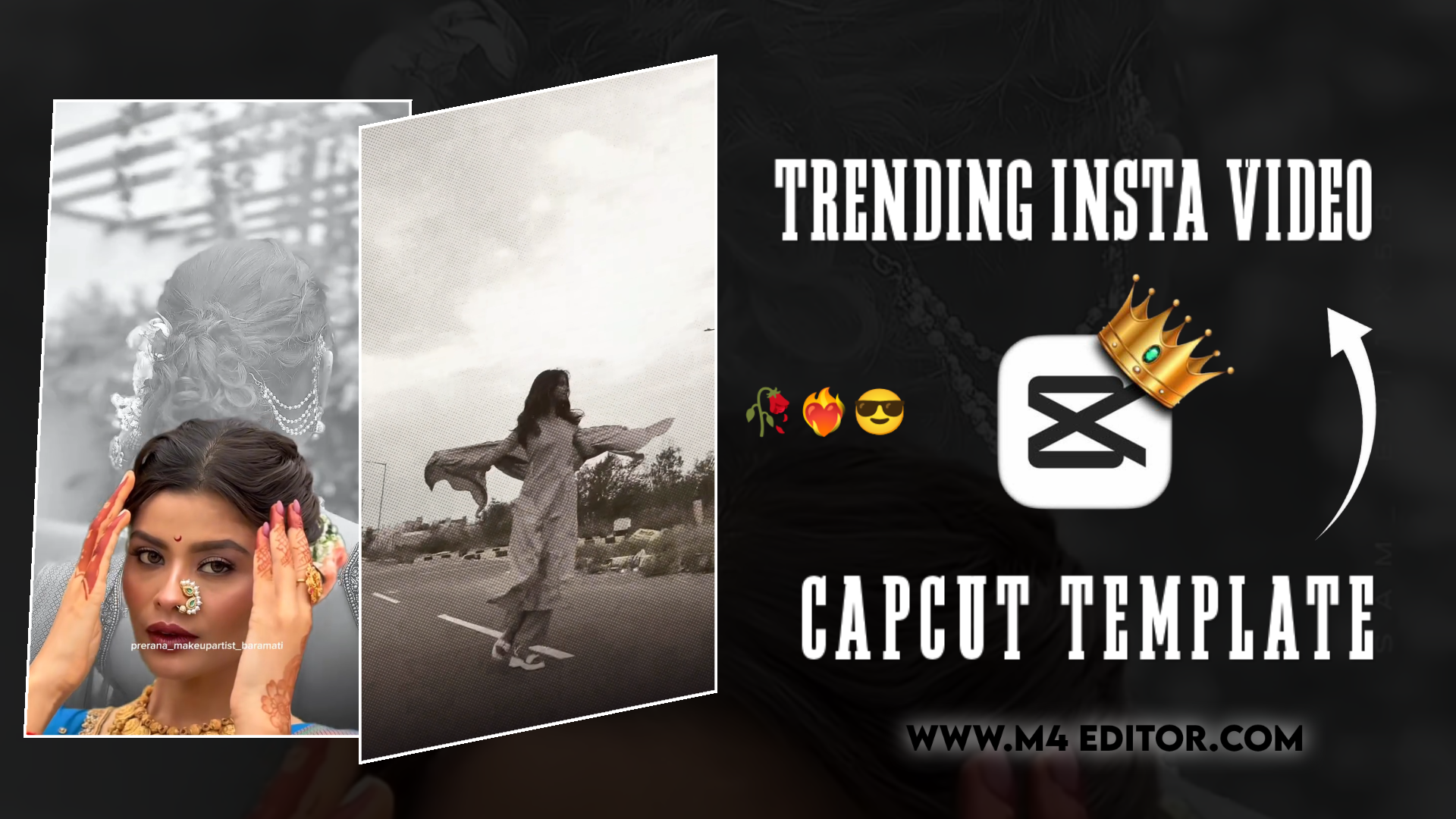
Aaj kal jab aap Instagram Reels scroll karte hain, toh aapne notice kiya hoga ki kuch videos par millions mein views hote hain. Un videos mein amazing transitions, 3D zoom effects, beats sync, aur high-quality aesthetics hote hain. Agar aapko lagta hai ki in videos ko banane mein ghanton ki advanced desktop editing lagti hai, toh aap bilkul galat hain! Inme se maximum creators Instagram Viral Capcut Template ka use karte hain.
Templates ka sabse bada faida yeh hai ki aapko zero se keyframing ya sound design nahi karni padti. Ek professional pre-made project layout hota hai jisme aapko bas apni photos ya video clips ko replace karna hota hai, aur instant click par aapki video ready ho jaati hai. Agar aap ek beginner hain aur apne page ki reach boost karna chahte hain, toh yeh detailed advanced guide aapke liye hi hai. Hum seekhenge ki kaise in templates ko search karna hai, errors ko bypass kaise karna hai, aur custom optimisation ke sath high quality mein video kaise publish karni hai.
What is CapCut Template and Why is it Trending?
CapCut is an advanced video editing application hai jise short-form content creators sabse zyada pasand karte hain. Iska template feature ek aisa dynamic ecosystem hai jahan professional editors aur content creators apne timeline ki XML/project files ko presets (jaise speed ramps, transitions, effects, LUTs, aur filters) ke roop mein publish kar dete hain.
- Time Efficiency: Jo complex video edit karne mein raw timeline par 2-3 ghante lag sakte hain, wo template architecture ki wajah se mushkil se 2 minute mein render ho jaati hai.
- Algorithm Alignment: Instagram ka recommendation engine micro-trends aur specific audio-visual hooks ko push karta hai. Jab aap ek highly engaged Instagram Viral Capcut Template use karte hain, toh aap core trend metadata ka hissa ban jaate hain, jisse aapke explore page aur reels tab par hitting rates drastically badh jaate hain.
- Production Quality: Beginners bina graphic design ya advanced video theory seekhe professional motion graphics aur velocity curves ka maza le sakte hain.
Essential Prerequisites Before Using CapCut
Direct template open karne se pehle aapko apne device backend ko ready karna hoga, kyunki CapCut multi-region restrictions ke sath aata hai. Agar aap bina security protocols bypass kiye try karenge, toh aapko “No Internet Connection” ya “Template loading failed” jaise frustrating bugs milenge.
Secure a Reliable VPN or Private DNS Connection
CapCut ke premium assets, cloud servers, aur trending templates database ko live fetch karne ke liye aapke system ko ek secure network redirection ki zaroorat hoti hai.
- Google Play Store ya iOS App Store se koi trusted utility VPN download karein.
- VPN settings mein jaakar hamesha server location ko Singapore, Japan, ya United Kingdom par set karein, kyunki in countries ke nodes par templates update speed sabse fast hoti hai.
- Agar aapko storage bypass chahiye, toh aap apne device settings mein Private DNS section mein jaakar custom dynamic DNS add kar sakte hain jo restricted APIs ko natively access dene mein madad karta hai.
Verify App Architecture and Cache Management
Aapke phone mein CapCut ka custom updated stable build hona chahiye. Beta versions mein kai baar template links crash ho jaate hain. Template link par click karne se pehle app ka background cache clear kar dein taaki data loading mein frame-drops na ho.
How to Find the Exact Instagram Viral Capcut Template
Right template ko locate karna jo is point par internet par sabse zyada demand mein hai, sabse zyada technical kaam hai. Iske liye main aapko teen hidden methodologies batata hoon.
Utilising the Native CapCut Search Engine
Agar aapke system par external location database perfectly mapped hai, toh app ke andar hi ek standalone Template Tab hota hai jo un-indexed hot trends ko track karta hai.
- CapCut Dashboard open karke footer menu mein Template navigation icon par tap karein.
- Search frame mein universal keywords use karein jaise “Instagram Viral”, “Velocity Edit”, ya specific creators ke handles jo templates design karte hain.
- Hamesha dhyan dein ki search filters mein jaakar “Most Used” filter click karein. Jis template ke niche 5M+ or 10M+ usage index dikhe, samajh jaiye ki wahi aapke content ko momentum dene wala hai.
Google Indexed Keywords and Verification Sites
Kyunki default search engine kabhi-kabhi local trend parameters fetch nahi karta, isliye exact search filters use karna sabse safe rehta hai.
- Apne native mobile browser mein search karein exact keyword query: “Instagram Viral Capcut Template Step by Step” ya phir jo specific preset ka signature name hai (jaise IDFWU Trend, 3D Zoom Pro, Healing Thailand).
- Kisi trusted platform matrix par jaakar direct deep-linking hyperlinked text “Use Template” ko access karein. Yeh link custom URI protocol ke through aapke system application ko wake-up call deta hai aur seedhe template screen open kar deta hai.
Step-by-Step Guide: How to Apply and Edit the Template
Jab aapka internal application template frame load kar leta hai, tab real customisation matrix shuru hota hai. Is workflow ko dhyan se follow karein.
Initialise the Template Module
Jaise hi deep-link register hota hai, screen par video preview ke sath ek call-to-action button highlight hoga jispar “Use Template” likha hoga. Uspar tap karte hi CapCut device permissions ke through local device storage directories scan karein ga.
Smart Asset Allocation and Aspect Ratio Management
Yahan aapko video ka metadata timeline structure samne dikhega jahan block-holders bane hote hain (e.g., Box 1: 2.3s, Box 2: 0.5s, Box3:1.2s).
- Aapko wahi high-fidelity assets select karne hain jo un specific timestamp frames ke liye design kiye gaye hon. Pehla frame hamesha ek Strong Hook Video Clip hona chahiye aur fast beats wale frames ke liye high-contrast photos perfect rehti hain.
- Aspect ratio ka dhayan rakhein. Hamesha vertical assets (9:16 aspect ratio) select karein taaki template automatic dynamic stretching ya awkward side black-bars apply na karein.
Asset Refinement and Micro-Adjustments
Preview render engine change ke baad, har individual clip container par manual control hota hai. Agar transition effect ke dauran aapka face cut ho raha hai ya primary element frame se bahar ja raha hai, toh click karein Edit/Crop module par. Yahan se aap clip ke horizontal axis ko drag karke position alignment perfect kar sakte hain.
Advanced Customisation for Higher Engagement
Sirf pre-made template par click karke upload kar dene se aap generic creators ki list mein reh jayenge. Algorithm ko bypass karne aur high uniqueness achieve karne ke liye personalisation mandatory hai.
Modifying Graphical Text Overlays
Aapko template presets mein pehle se locked textual titles milte hain. Unhe custom values se override karein. Un text frames par tap karein aur wahan par high-retention text titles lagayein jaise “Wait For The End” ya “Real Editing Tutorial”. Text ka weight aur positioning aisi ho jo user interface elements (Instagram comment blocks aur icons) ke peeche na chhupe.
Audio Bridge Extraction Strategy
Yeh sabse mahatvapurna optimisation hack hai. CapCut templates ke internal audio codes compressed hote hain jo Instagram engine par upload hote hi copyright checks ya silent audio flags trigger kar sakte hain.
- Apna video project bina kisi internal background music ke ya mute karke taiyar karein.
- Instagram Reels interface par jo main official original audio handle trend kar raha hai, us link ko copy karein.
- Reels post screen par jaakar wahan manually music search karein aur use frame ke upar overlay karein. Isse aapki video direct us primary algorithm sound cluster mein tag ho jayegi aur structural exposure enhance hoga.
How to Export Your Video Without a Watermark


Important 👇
template work karega but Usse pehle VPN Connect kar Lena tabhi template work karega

Importan👇
Template work karega but Usse pehle VPN Connect kar Lena tabhi template work karega
Video processing matrix complete hone ke baad rendering output protocols lagana zaroorat hota hai. Watermarked videos ko networks programmatic system flags se penalise karte hain.
- Project workspace ke right overhead parameter mein diye gaye Export interface trigger par tap karein.
- Bitrate controls ko Custom High par toggle karein aur encoding options mein 1080p resolution ke sath 60 FPS select karein. Isse fast-moving elements dynamic blur internal patterns generate nahi karte.
- Niche options mein se choose karein “Export without watermark”. Yeh instruction standard application flow ko control karke temporary background overlay stream ko remove kar deta hai aur clean .mp4 video device memory matrix mein push ho jaati hai.
Bonus Tip: High-Quality Upload Settings for Instagram Reels
Bohot se editors shikayat karte hain ki unki standard output file raw screen par toh HD lagti hai par feed par upload hote hi frame rate lag karne lagta hai aur details pixelate ho jaati hain. Is technical data drops ko rokne ke liye ek custom mobile setting enable karni hoti hai.
Instagram open karke account management control panel mein jayein, wahan se Settings select karein aur fir Media Quality dashboard settings navigate karein. Wahan “Upload at Highest Quality” functional switch ko active karein. Yeh parameter upload compression engine ko local optimisation algorithms use karne se rokta hai, chahe network speed low hi kyun na ho. Isse aapka text crisp rehta hai aur high-contrast transitions blur-free load hote hain.
Conclusion
Instagram video layout ecosystem par control pane ke liye regular formatting updates aur production tools ke sath synchronisation zaroorat hota hai. Instagram Viral Capcut Template ka core framework un logo ke liye ek efficient bypass solution hai jo bina lengthy workflows ke complex motion graphics create karna chahte hain. Aapko bas right visual tags, clean frame settings, aur strategic upload parameters apply karne hain. Consistent experimental processing hi editing domain mein perfection laati hai. Alag presets design patterns explore karte rahein aur creative scale build karein!