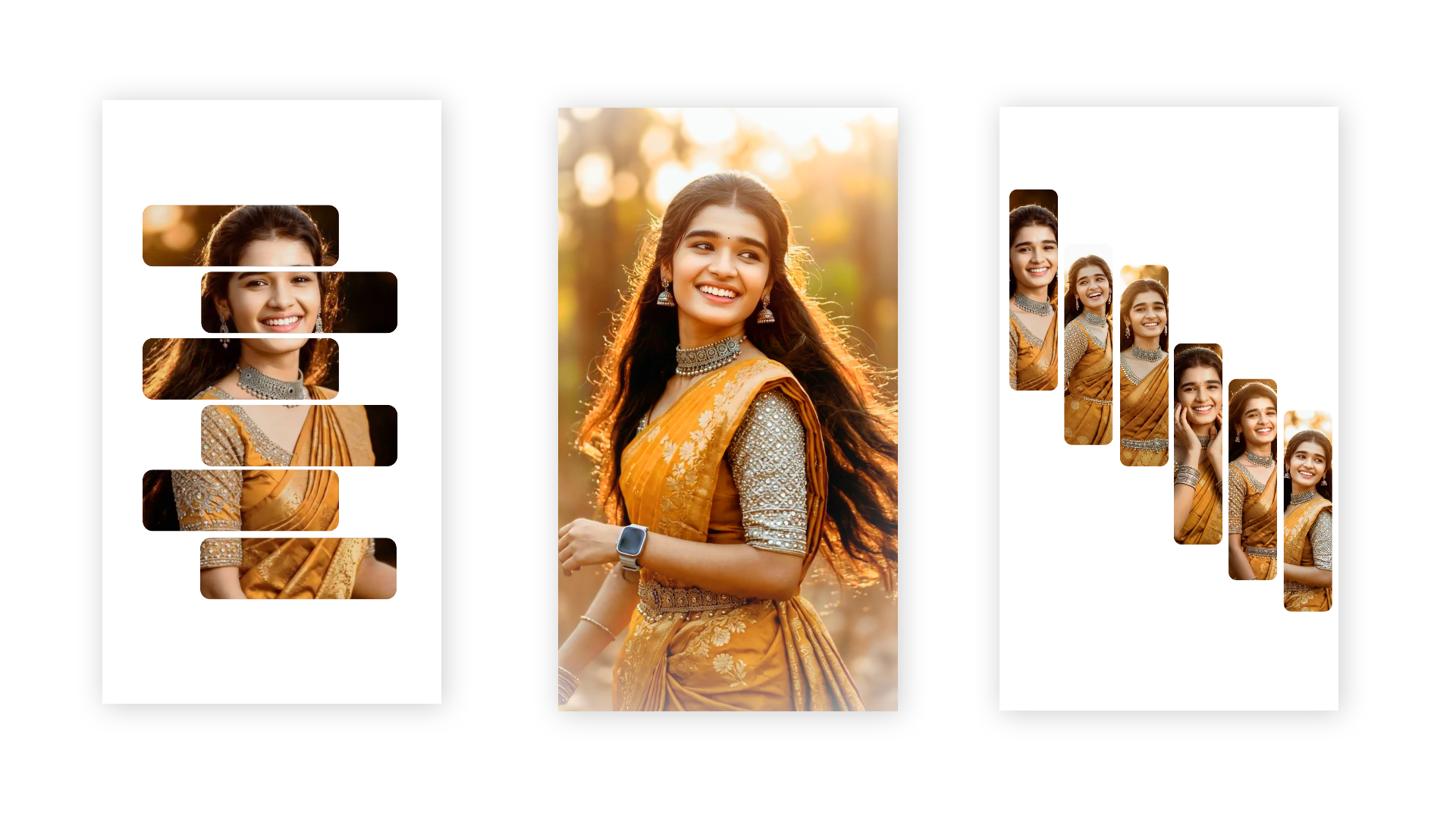
Full Project 👇
Hi everyone! Main hoon aapka dost, ek professional video editor jise video editing industry mein 7+ saal se zyada ka experience hai. Agar aap social media par active hain, toh aapne mera YouTube channel “m4editorofficial” (13.6K+ subscribers) aur Instagram page “m4_editor_official” (145K+ followers) zaroor dekha hoga, jahan main daily trending editing content aur viral hacks share karta hoon. Is website ko banane ka mera ek hi maqsad hai—jo premium editing knowledge log paise lekar sikhate hain, wo main aapko 100% free, genuine aur practical tarike se sikha saku taaki har ek beginner ek pro creator ban sake.
Trending Template Tutorial 2026: Reels aur Shorts Ko Viral Karne Ka Asli Tarika M4 59
Aaj ke digital daur mein har ek creator ka sirf ek hi sapna hota hai—unka content viral ho jaye aur unhe lakho ki audience mile. Lekin kya har koi rozana ghanton baith kar frame-by-frame editing kar sakta hai? Bilkul nahi! Yahin par kaam aata hai social media ka sabse bada shortcut jise hum Trending Template kehte hain.
Chahe baat Instagram Reels ki ho, YouTube Shorts ki ho ya fir TikTok ki, agar aap sahi samay par sahi template ka istemal karna seekh gaye, toh aapki reach raat-o-raat asman chhu sakti hai. Is Trending Template Tutorial 2026 mein hum baat karenge ki kaise aap in ready-made templates ka maximum fayda utha kar apni har video ko high-quality aur engaging bana sakte hain.
Trending Template Tutorial 2026: Yeh Kyun Hai Asli Viral Hack?
Social media ka algorithm har din badal raha hai, lekin ek cheez hamesha same rehti hai—Audience Attention. Jab bhi koi naya trend aata hai, log us sound aur us specific visual style ko baar-baar dekhna pasand karte hain.
Templates ka sabse bada fayda yeh hai ki inme Beat-Syncing, Transitions, aur Colour Grading pehle se hi perfectly set hoti hain. Aapko bas apne photos aur videos ko replace karna hota hai, aur aapka professional content taiyar ho jata hai. Agar aap 2026 mein content creation ko lekar serious hain, toh aapko templates ko manually hunt karne aur unhe properly execute karne ka sahi tarika aana chahiye.
Trending Templates Ko Sahi Tarike Se Kaise Dhundhein?
Bahut se creators ki galti yeh hoti hai ki wo tab template par video banate hain jackpot trend lagbhag khatam hone wala hota hai. Trend ko shuruat mein pakadna hi asli skill hai.
1. Instagram Audio Pages Aur Reels Trend Spotting
Jab aap Reels scroll karte hain, toh hamesha video ke bottom-left corner mein audio naam ke paas ek Arrow Icon (↗️) dekhein. Agar kisi template wale video ke audio par upar ki taraf arrow bana hai, iska matlab hai ki wo audio aur template is waqt trending mein hain.
- Practical Tip: Jaise hi aapko aisi koi video dikhe, turant uske audio ko save karein aur dekhein ki baki creators ne usme kaun sa template (jaise CapCut, VN, ya Reels default template) use kiya hai.
2. Template Aggregator Apps and Websites
Internet par aisi kayi platforms hain jo daily basis par trending links provide karti hain. Aapko bas Google par jaakar specific month aur year ke sath template search karna hota hai. 2026 mein systems itne advanced ho chuke hain ki aapko direct single-click edit links mil jaati hain.
- Practical Tip: Hamesha un templates ko target karein jinki user-count tezi se badh rahi ho (jaise kisi template par agar 100K use the aur wo do din mein 1M ho gaye, toh use turant pick karein).
Step-by-Step Template Editing Tutorial: Professional Tarika
Templates use karna aasan lagta hai, lekin agar aap use sahi step-by-step process se nahi karenge, toh video ki quality kharab ho sakti hai. Ek professional tarike se template customise karne ka poora process niche diya gaya hai:
Step 1: High-Quality Assets Select Karein
Kisi bhi template ko select karne ke baad, usme lagne wale photos aur videos ki quality sabse zyada matter karti hai. Agar template bohot cinematic hai lekin aapki clips blurry hain, toh final output bekar dikhega.
Step 2: Clips Ka Perfect Alignment
Templates mein har ek slot ka ek fixed duration hota hai (jaise 0.5 seconds, 1.2 seconds). Jab aap apni video clip select karte hain, toh hamesha us clip ka Best Part (Action ya Expression wala hissa) hi select karein taaki transition ke waqt wahi part screen par aaye.
Step 3: Aspect Ratio and Resolution Settings
Hamesha dhyan rakhein ki aapka project 9:16 vertical ratio mein ho. Video export karte waqt resolution ko hamesha 1080p (Full HD) ya 2K par set karein, aur frame rate ko 60 FPS rakhein. Isse social media par upload karne ke baad video compress nahi hoti aur crystal clear dikhti hai.
Advanced Mechanics: Multi-App Template Integration Trick
Kayi baar aisa hota hai ki aapko kisi ek app (jaise CapCut) ka template pasand aata hai, lekin aap usme wo professional text effects ya precise filters nahi de paate jo aap chahte hain. Iske liye pro editors Multi-App Pipeline ka use karte hain.
- Duble Export Technique: Sabse pehle aap apne clips ko trending template ke sath core app mein import karein aur use 60fps aur high bitrate par export kar lein. Iske baad, us exported video file ko dusre advanced editing tools (jaise VN Editor ya Alight Motion) mein lekar jayein.
- Keyframe & Masking Addition: Is the second stage mein aap video ke upar custom Linear ya Mirror Masking apply kar sakte hain, ya fir smooth adjustment layers ke zariye lighting ko manually control kar sakte hain. Isse aapki video baki hazaron log jo same template use kar rahe hain, unse bilkul alag dikhegi.
Template Ko Original Kaise Banayein? (AdSense & Originality Hack)
Agar aap chahte hain ki aapka blog Google AdSense ke liye approve ho aur aapka content original lage, toh aapko templates mein apna ek personal touch add comic touch ya storytelling touch dena hoga. Sirf photos badal dena kafi nahi hai.
Custom Text and Typography Add Karein
Template ke sath jo default text aata hai, use hamesha badlein. Apni video ke hisab se ek Catchy Hook ya Punchline likhein. Fonts ka selection hamesha modern aur clean hona chahiye (jaise Bold Sans-Serif fonts) jo screen par saaf dikhein.
Sound Effects (SFX) Layering
Templates mein music toh pehle se hota hai, lekin agar aap transitions ke points par khud se Whoosh, Swoosh, ya Camera Shutter sound effects add kar denge, toh video ka engagement level double ho jayega. Reels par bina sound ke bhi log video dekhte hain, isliye visual hooks ke sath audio hooks ka hona zaroori hai.
Overlay Aur Filters Ka Istemal
Template video ko export karne ke baad, use kisi bhi normal editor mein lekar jayein aur upar se ek halka sa Film Grain overlay ya aesthetic filter lagayein. Isse video ko ek uniform look milta hai aur wo dekhne mein kisi professional music video jaisi lagti hai.
2026 Trend Analysis: Kaun Se Templates Is Saal Rock Kar Rahe Hain?
Gyan aur practical tutorial ke sath-sath market ka pata hona bhi zaroori hai. 2026 mein teen tarah ke templates sabse zyada viral ho rahe hain:
Template Type
Best For
Velocity Edit (Slow-Fast)
Dance, Travel, Action Clips
Split Screen / Grid
Before-After, Mini Vlogs
3D Zoom & Parallax
Photography Showcase, Aesthetics
Agar aap in categories ke templates ko target karte hain, toh video par organically view aane ke chances bohot badh jaate hain kyunki platform ka recommendation system in visual formats ko push kar raha hai.
Bonus Tip: 2026 Ka Secret Viral Algorithm Trigger
Ek secret trick jo bade-bade content creators use karte hain, wo hai Looping Template Hack.
Pro Tip: Hamesha aisa template choose karein jiska end aur start point bilkul seamless ho. Jab video khatam ho aur wapas shuru ho, toh viewer ko pata hi na chale ki video kab repeat hui. Isse aapka Watch Time badhta hai aur Instagram/YouTube ka algorithm aapki video ko khud push karne lagta hai.
Conclusion
Trending Template Tutorial 2026 ka sabse bada sach yeh hai ki template sirf ek zariya hai, aapki creativity hi aapka asli weapon hai. Templates aapka samay bachane aur aapko instant reach dilane ka ek behtareen tareeqa hain, lekin ek sachcha editor wahi hai jo template ko sirf ek base ki tarah use kare aur usme apna signature style dale. Sahi template choose kijiye, high-quality clips ka istemal kijiye, aur upar batayi gayi customisation tricks ko apply kijiye. Ab der kis baat ki? Aaj hi apna agla trending video project shuru karein aur social media par chha jayein!
Preset 👉 DWONLOAD
Xml File 👉 DWONLOAD
Video 👉 DWONLOAD
Scan App Name Google Lens 👇